Typing speed matters in office jobs, but it is not the only thing that matters.
For most office work, the useful goal is not to become the fastest typist in the room. The useful goal is to type emails, notes, reports, forms, messages, and data accurately without constantly looking at the keyboard.
A good workplace typist is usually someone who can type with reasonable speed, strong accuracy, and steady confidence.
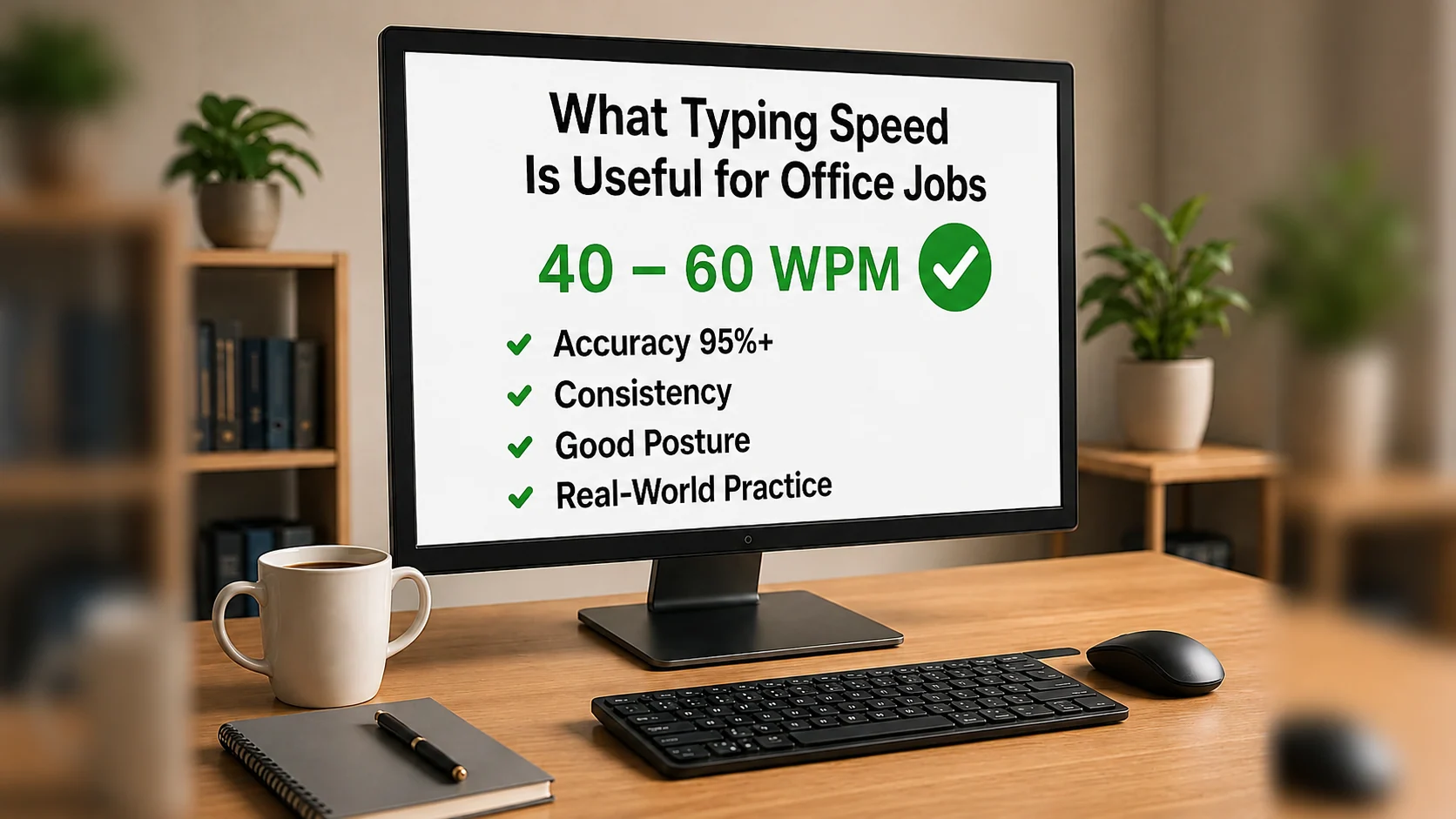
For many office jobs, a practical target is around 40 to 60 WPM with good accuracy.
That does not mean every job requires the same speed. Some roles need only basic typing confidence. Others, such as data entry, transcription, legal support, customer service, or administrative work, may need faster and more accurate typing.
This guide explains what typing speed is useful for office jobs, what WPM range to aim for, and how to practise in a way that actually helps at work.
The quick answer
For general office jobs, these are useful typing targets:
| Typing speed | How useful it is for office work |
|---|---|
| 20–30 WPM | Basic typing level, but may feel slow for regular office tasks |
| 35–45 WPM | Useful for many everyday office jobs |
| 50–60 WPM | Strong practical target for admin, emails, reports, and regular computer work |
| 70+ WPM | Very fast for most office users and useful in typing-heavy roles |
Accuracy is just as important as speed. A person typing at 45 WPM with 97% accuracy may be more useful at work than someone typing at 65 WPM with many mistakes.
What does WPM mean?
WPM means words per minute.
It is a common way to measure typing speed. In typing tests, one “word” is usually counted as five characters, including spaces. This makes typing results easier to compare.
For example, if you type a lot of short words, your result is not unfairly high. If you type longer words, your result is not unfairly low.
But WPM is only one part of the picture.
A good office typing result should include:
- WPM
- Accuracy
- Error rate
- Ability to type for more than one minute
- Comfort with punctuation and capital letters
- Ability to type realistic workplace text
Do not judge your typing skill from speed alone.
Why typing speed matters in office jobs
Many office tasks involve regular typing.
You may need to type:
- Emails
- Meeting notes
- Reports
- Customer messages
- Online forms
- Spreadsheet entries
- CRM updates
- Invoices
- Internal chat messages
- Short documents
- Search queries
- Case notes
If typing feels slow, all of these tasks take longer. Slow typing can also interrupt your thinking because you spend too much attention finding keys instead of focusing on the task.
Typing faster can help you work more smoothly, but only if your accuracy stays high.
Accuracy matters more than people think
In office work, mistakes can create real problems.
A typo in a casual message may not matter much. A typo in a customer email, address, invoice, name, number, or report can cause confusion and extra work.
That is why useful office typing is not just about speed.
A strong workplace target is:
- 95% accuracy or higher for practice
- 97%+ accuracy for important work
- Slower typing when names, numbers, or formal text must be correct
Tip: In real office work, clean typing is faster than messy typing because you spend less time correcting mistakes.
Useful typing speed by office task
Different office tasks need different levels of typing skill.
| Office task | Useful typing speed |
|---|---|
| Basic emails and messages | 30–40 WPM |
| General admin work | 40–50 WPM |
| Reports and regular document work | 45–60 WPM |
| Customer service chat or support notes | 50–60 WPM |
| Data entry | 50+ WPM with high accuracy |
| Transcription or heavy typing roles | 60+ WPM, often higher |
These are practical guide ranges, not fixed rules. Job requirements vary by employer, industry, and role.
If you are applying for office jobs, aiming for 40–50 WPM with good accuracy is a sensible starting goal. If the job involves a lot of typing every day, aim for 50–60 WPM.
Is 40 WPM good for an office job?
Yes, 40 WPM can be good enough for many office jobs, especially if your accuracy is high.
At 40 WPM, you can usually handle normal workplace typing tasks such as emails, forms, notes, and short documents. You may not be extremely fast, but you should be functional and comfortable.
However, if you often type long reports, live notes, customer messages, or data entry, you may want to improve beyond 40 WPM.
A useful next target is:
Build from 40 WPM to 50 WPM while keeping accuracy above 95%.
That improvement can make office work feel noticeably easier.
Is 60 WPM good for office work?
Yes. 60 WPM is a strong typing speed for most office jobs.
At this level, typing is usually no longer a major barrier. You can write emails, update records, prepare notes, and complete everyday computer tasks more quickly.
But 60 WPM is only useful if you can control it.
If your accuracy drops badly at 60 WPM, it is better to type at 50 WPM cleanly than 60 WPM with constant corrections.
A good goal is:
- 50–60 WPM
- 95%+ accuracy
- comfortable punctuation
- comfortable capital letters
- ability to type for three minutes without falling apart
What typing speed should you put on a CV or resume?
Only include your typing speed if it is relevant to the job.
Typing speed may be worth mentioning for:
- Admin assistant roles
- Data entry roles
- Reception roles
- Customer service roles
- Legal secretary roles
- Medical secretary roles
- Virtual assistant roles
- Transcription roles
- Office support roles
You could write something like:
Typing speed: 55 WPM with high accuracyOr:
Strong keyboard skills, including accurate typing, data entry, and document preparationDo not exaggerate your WPM. If an employer tests your typing, the result should match what you claim.
Why office typing is different from typing tests
Typing tests are useful, but office typing is more varied.
In a real office job, you may need to type:
- Names
- Dates
- Numbers
- Addresses
- Email addresses
- Punctuation
- Capital letters
- Product names
- Technical words
- Customer information
That means you should not practise only simple lowercase text.
A useful office typing routine should include:
- normal sentences
- capital letters
- commas and full stops
- numbers
- email-style writing
- short paragraphs
- careful proofreading
This makes your practice more realistic.
Practical office typing drills
Use these drills to build useful workplace typing skill.
Email drill
Hi Sarah,

Thank you for your message. I will check the details and come back to you later today.

Kind regards,
Alex
This helps you practise capital letters, punctuation, spacing, and realistic email structure.
Admin note drill
Customer called at 10:30. Account details checked. Follow-up email sent with the requested information.This is useful for support notes, CRM updates, and general admin work.
Data accuracy drill
Order 48291 was received on 14/06/2026. Delivery address confirmed. Invoice total: £127.45.This helps with numbers, dates, punctuation, and careful attention.
Report sentence drill
The monthly report shows steady progress, with improved response times and fewer outstanding requests.This helps with longer workplace-style sentences.
How to improve typing speed for office jobs
If you want to improve for work, do not only practise random typing tests.
Use a balanced routine.
Step 1: Measure your current speed
Take a one-minute typing test. Write down your WPM and accuracy.
Then take a three-minute typing test. This shows whether your typing stays consistent for longer.
Step 2: Find your weak areas
Look for patterns.
Do you make mistakes with:
- capital letters?
- punctuation?
- numbers?
- left-hand keys?
- right-hand keys?
- certain letter combinations?
- typing without looking down?
Use the Weak Keys Practice tool to identify what needs attention.
Step 3: Practise realistic office text
Practise emails, notes, short reports, and data-style lines. This will help more than only typing random words.
Step 4: Build speed gradually
Do not jump from 30 WPM to 60 WPM overnight.
Aim for small improvements:
| Current speed | Next useful target |
|---|---|
| 20 WPM | 30 WPM |
| 30 WPM | 40 WPM |
| 40 WPM | 50 WPM |
| 50 WPM | 60 WPM |
Small increases are easier to maintain.
Step 5: Keep accuracy visible
Do not accept a higher WPM score if your accuracy collapses.
A practical office target is:
Type faster only when you can stay accurate.
A simple 7-day office typing routine
Use this routine if you want to improve your typing for work.
Day 1: Measure your starting point
Take a one-minute typing test and write down your WPM and accuracy.
Day 2: Practise email typing
Type short email examples. Focus on capital letters, punctuation, and clean spacing.
Day 3: Practise weak keys
Review your mistakes and practise the keys that caused trouble.
Day 4: Practise office notes
Type short admin notes, support notes, or meeting-style sentences.
Day 5: Practise numbers and punctuation
Use dates, times, prices, order numbers, and simple punctuation.
Day 6: Take a longer test
Take a three-minute typing test and check whether your accuracy stays steady.
Day 7: Review and repeat
Compare your results with day 1. Choose one skill to improve next week.
Want a guided routine? Try the 7-day typing challenge and build a daily keyboard habit.
Common mistakes when practising for office jobs
Avoid these habits:
- Practising only easy lowercase text
- Ignoring numbers and punctuation
- Chasing WPM with poor accuracy
- Looking at the keyboard too often
- Skipping proofreading practice
- Practising once a week instead of a little each day
- Claiming a typing speed you cannot repeat
Office typing needs reliability. Your goal is to type well when the task matters, not only during a simple typing test.
How Qtype Pro helps with office typing
Qtype Pro helps learners build typing skill in a structured and practical way.
You can use it to:
- Learn touch typing step by step
- Improve typing speed
- Track accuracy and WPM
- Practise weak keys
- Take short typing tests
- Build consistency with daily practice
- Use games and challenges to stay motivated
For office work, Qtype Pro can help you move from slow, uncertain typing to smoother and more confident keyboard use.
Start with a short typing test, find your weak keys, and practise for 10 minutes a day.
Frequently asked questions
What is a good typing speed for office jobs?
For many office jobs, 40–60 WPM with good accuracy is a useful range. Some basic roles may need less, while typing-heavy roles may require more.
Is 40 WPM enough for an admin job?
40 WPM can be enough for many admin jobs if your accuracy is strong. For busy admin, data entry, or customer service roles, 50 WPM or more may be more comfortable.
Is 60 WPM fast for office work?
Yes. 60 WPM is strong for most office work, especially if you can keep accuracy above 95%.
Do employers test typing speed?
Some employers do, especially for data entry, admin, legal, medical, transcription, and customer service roles. Many others simply expect good keyboard confidence.
Should I put typing speed on my CV?
Put your typing speed on your CV only if it is relevant to the role. Include it for admin, data entry, transcription, office support, or customer service roles.
What matters more, typing speed or accuracy?
Accuracy matters more while learning. In real office work, mistakes can cost time and create confusion. A slightly slower but accurate typist is often more useful than a fast but careless one.
Final thought
A useful typing speed for office jobs is not about showing off.
It is about working smoothly, writing clearly, entering information correctly, and feeling confident at the keyboard.
For most people, a strong goal is 40–60 WPM with high accuracy. Build towards that with short daily practice, realistic office text, and careful weak-key correction.