Blog
Practical guides for typing speed, accuracy, and work-focused improvement
Browse by topic, search the guide library, or start with one of the recommended articles below.
Start here
Three useful entry points for learning, family practice, and workplace typing.
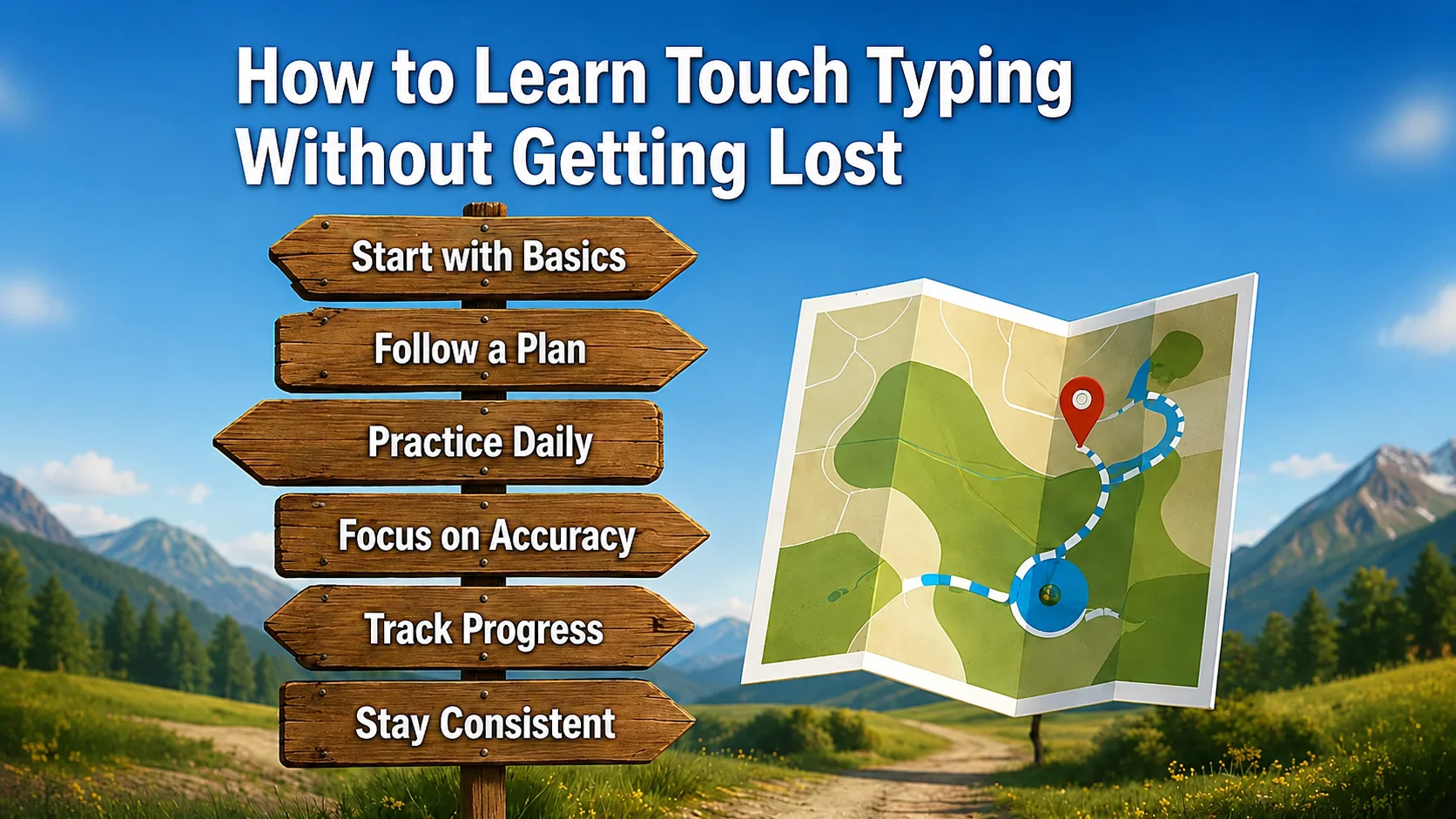
How to learn touch typing without getting lost
Learning touch typing can feel confusing at first. This guide shows you how to follow a clear path, practise the right keys, and build confidence step by step.
All guides
22 articles
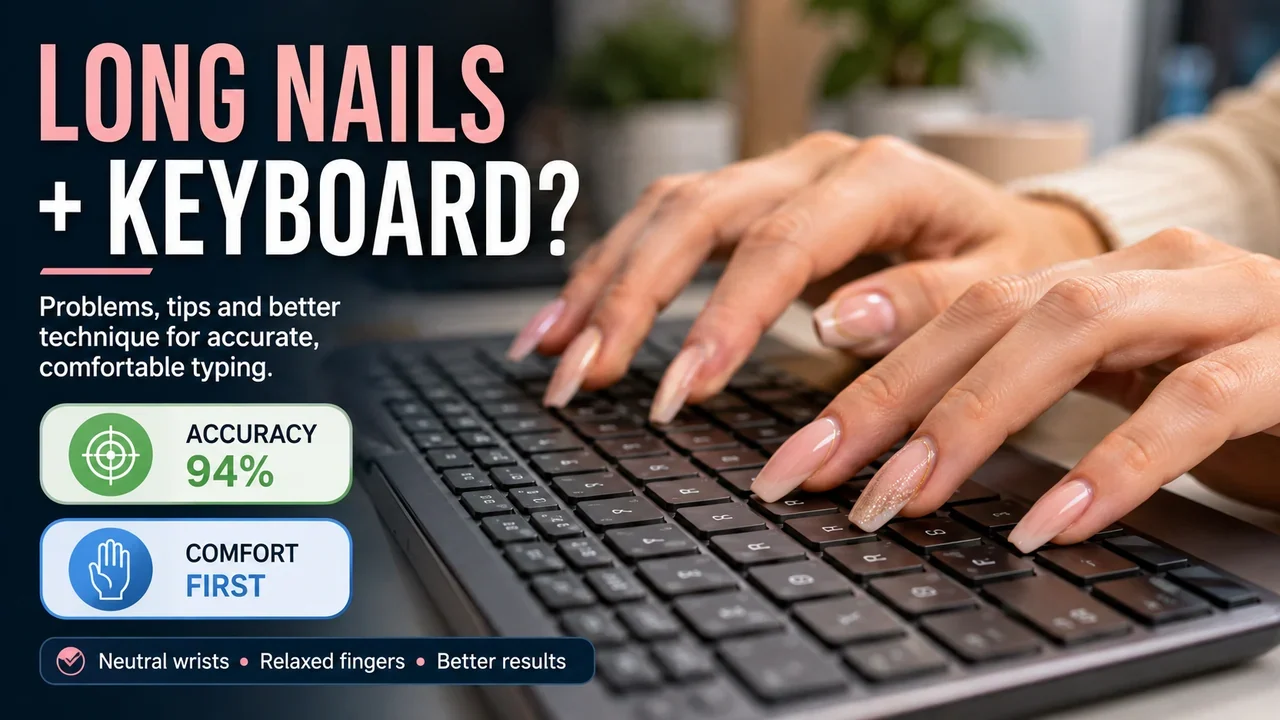
Typing With Long Nails: Problems, Tips and Better Technique
Long nails can make accurate typing surprisingly awkward. Learn what changes at the keyboard, how to adapt your technique, and when shorter nails may be the…
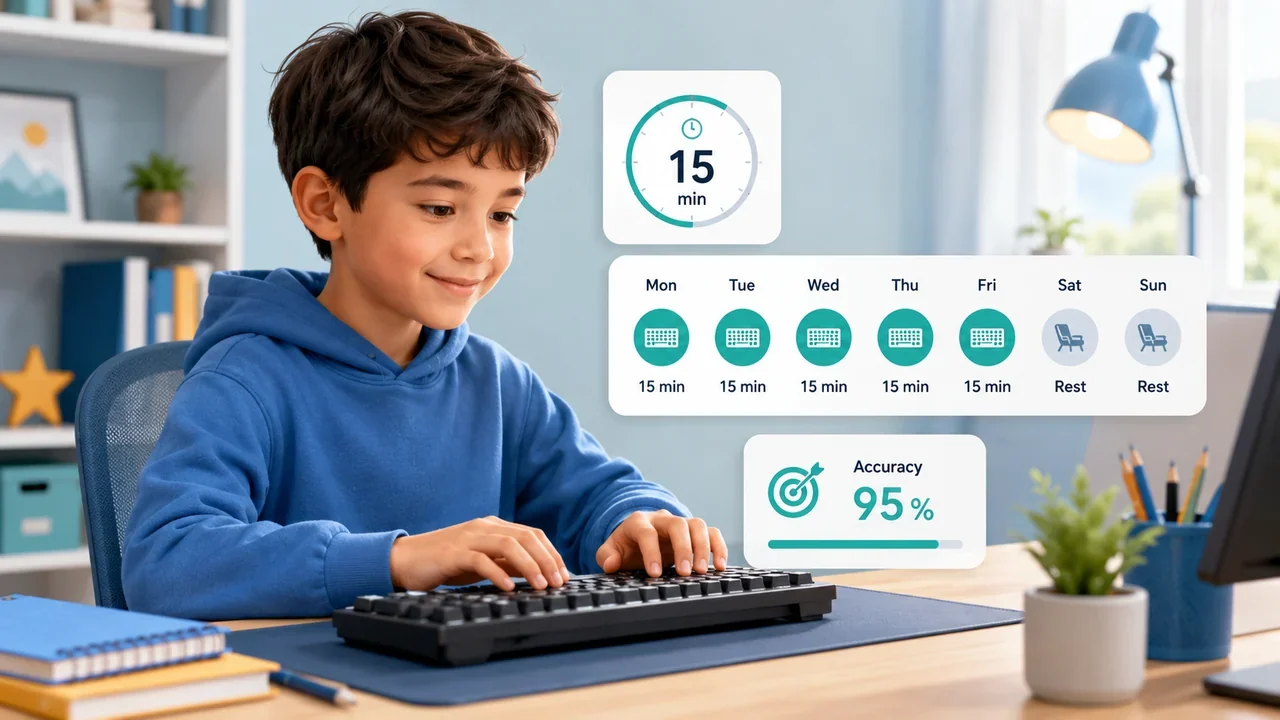
How Much Typing Practice Should a Child Do Each Day?
Children do not need hour-long typing sessions to improve. A short, regular routine can build accuracy, confidence and speed without making practice feel like a…
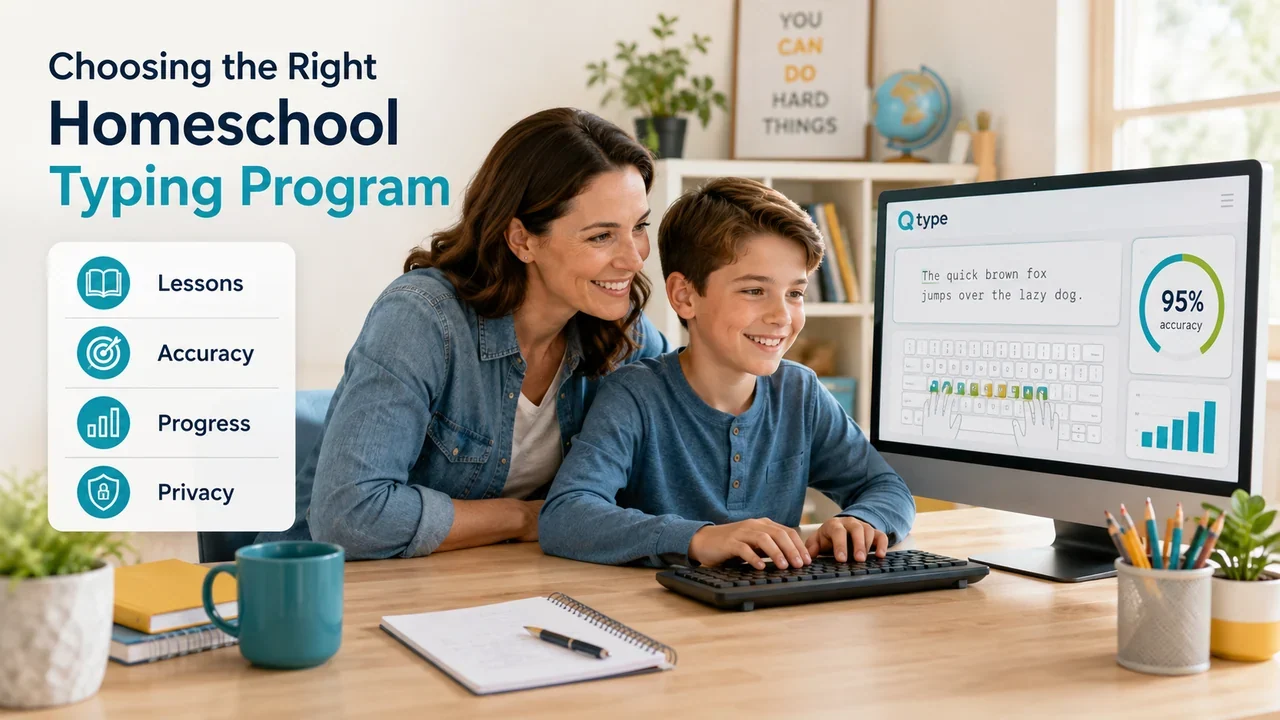
Homeschool Typing Program: What Should Parents Look For?
A good homeschool typing program should do more than run speed tests. Here are the features worth checking before you choose one for your child.
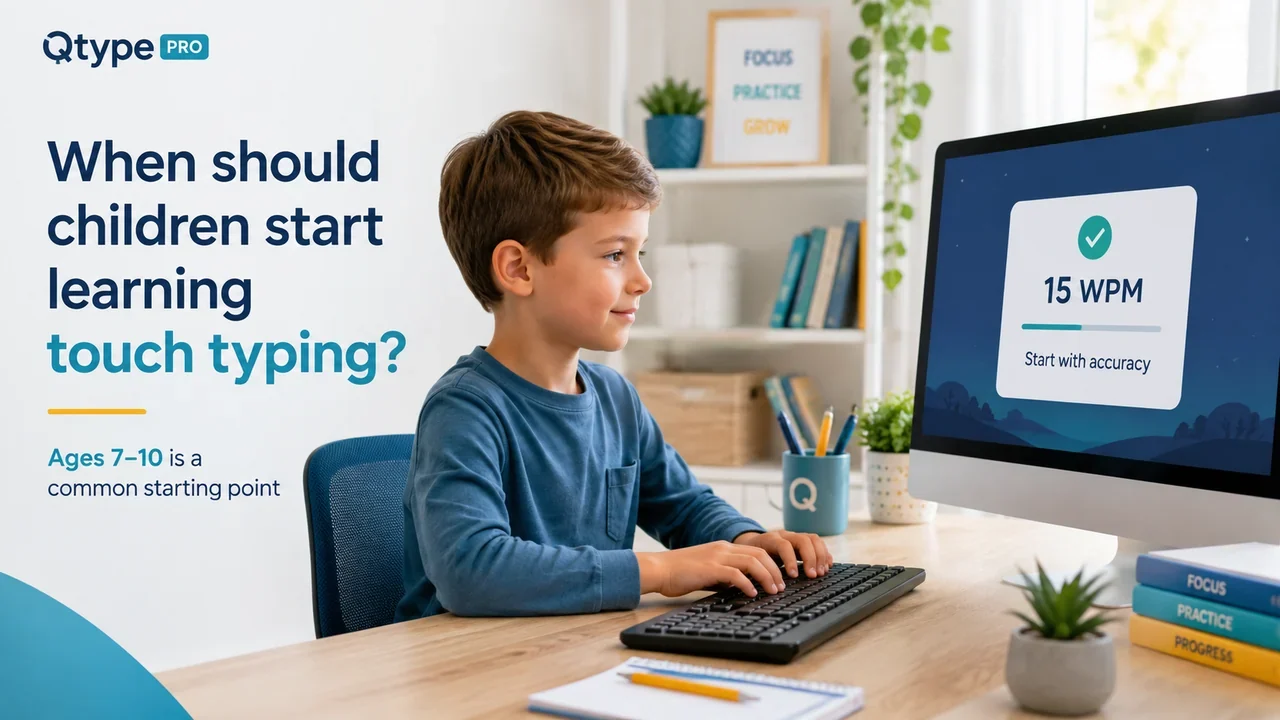
When Should Children Start Learning Touch Typing?
What is the right age to learn touch typing? See when children are usually ready, what to look for before starting, and how to make early practice useful.

What Typing Speed Should a 10-Year-Old Have?
Is 10, 15 or 20 WPM good for a 10-year-old? See useful typing-speed ranges and learn what matters more than chasing a number.

Typing Speed by Age: WPM Guide for Kids, Teens & Adults
How fast should someone type at different ages? Compare useful WPM ranges for children, teenagers and adults without treating them as strict targets.
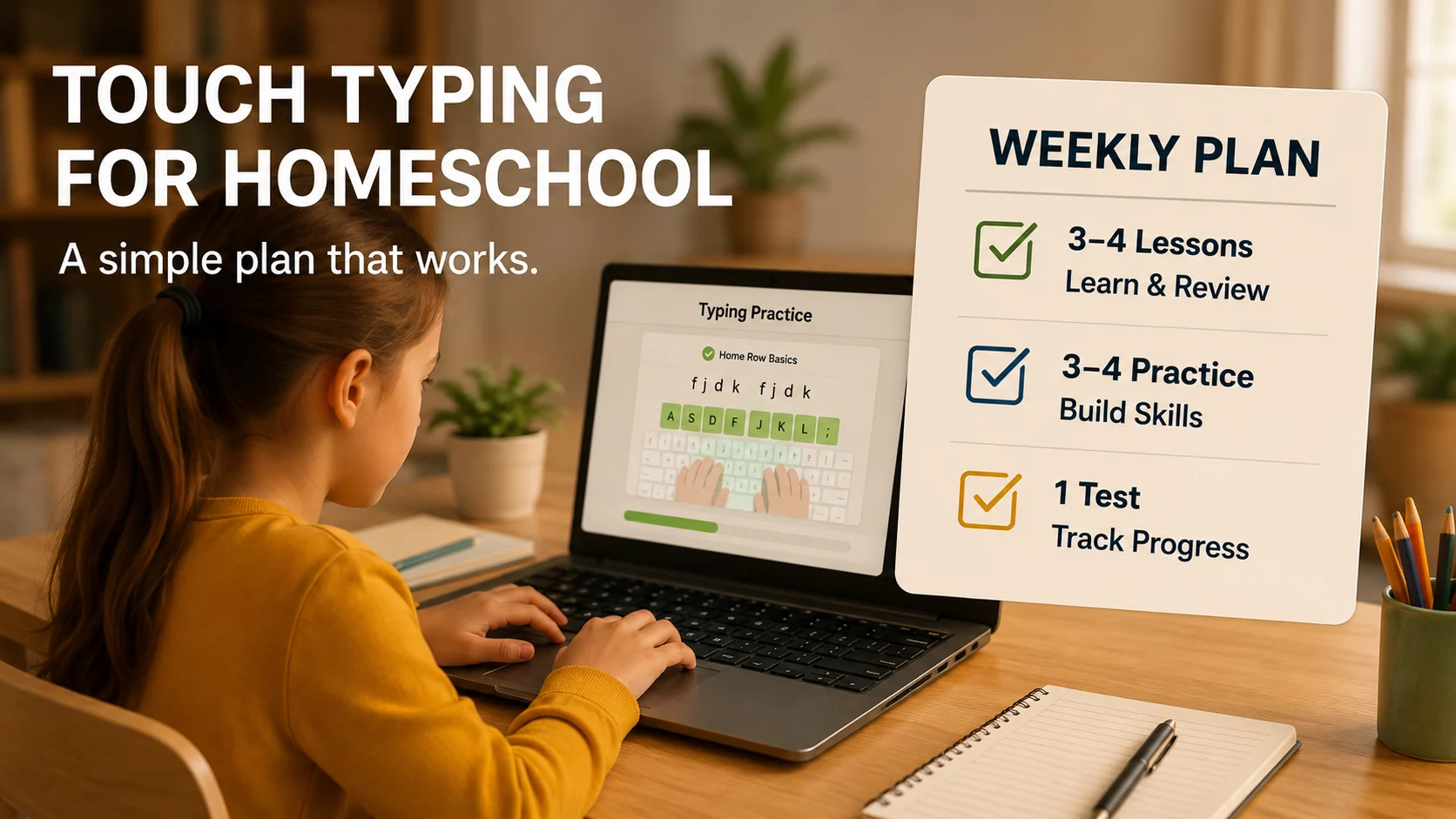
A simple weekly homeschool typing plan for children, parents, and learners who need structured keyboard practice.
A simple weekly touch typing plan for homeschool families with short lessons, practice, games, and progress checks.
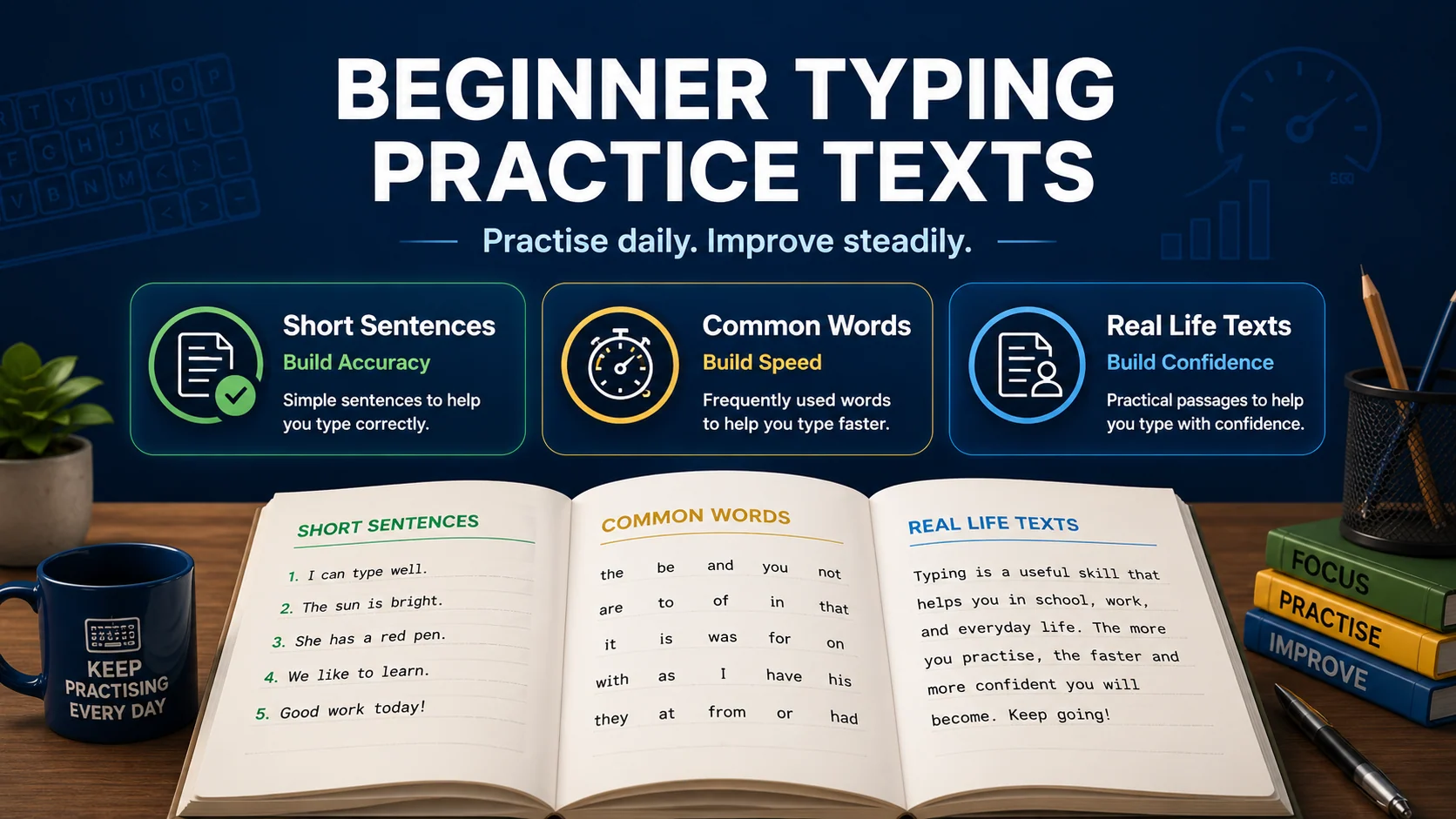
Use beginner typing practice texts to build accuracy, rhythm, speed, and confidence with short practical drills.
Beginner typing practice texts you can use today to build accuracy, rhythm, speed, and keyboard confidence.
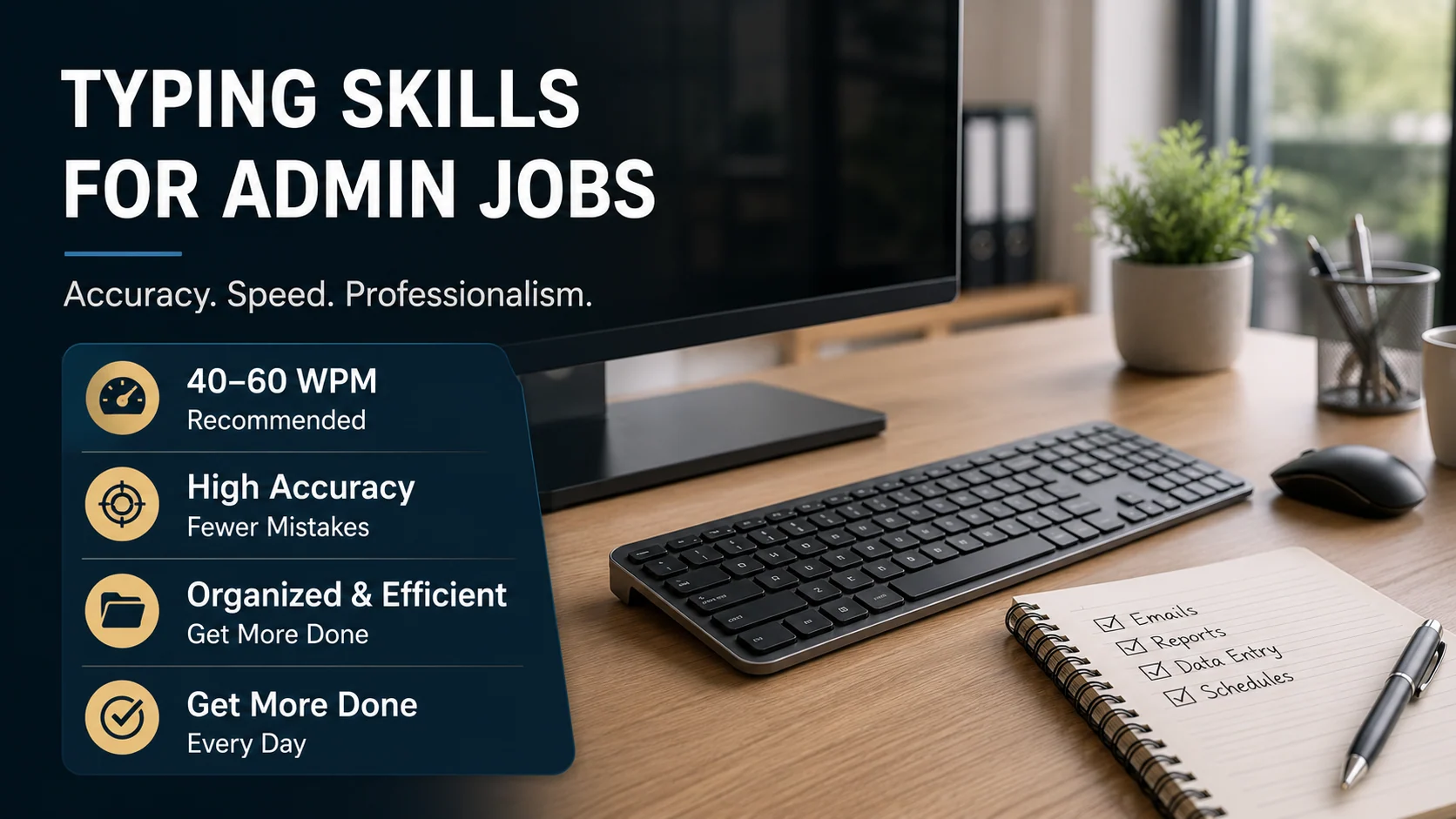
Learn the typing skills admin roles need, including speed, accuracy, data entry, emails, notes, and workplace keyboard confidence.
Admin jobs need accurate, confident typing. Learn useful WPM targets and practical typing drills for office work.
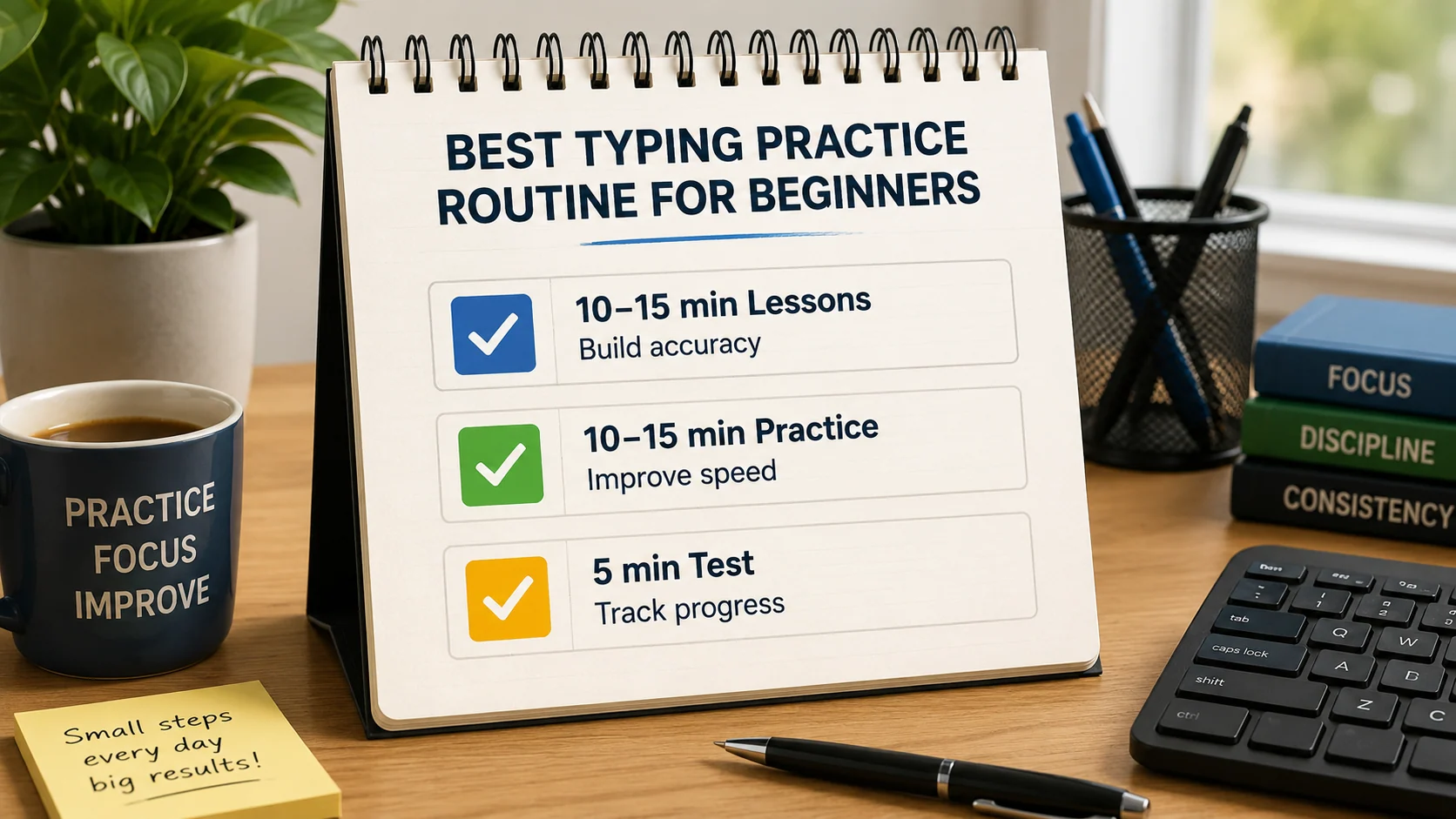
A simple daily typing practice routine for beginners who want better accuracy, speed, confidence, and consistency.
A simple typing practice routine for beginners: short lessons, accuracy work, weak-key drills, and progress checks.
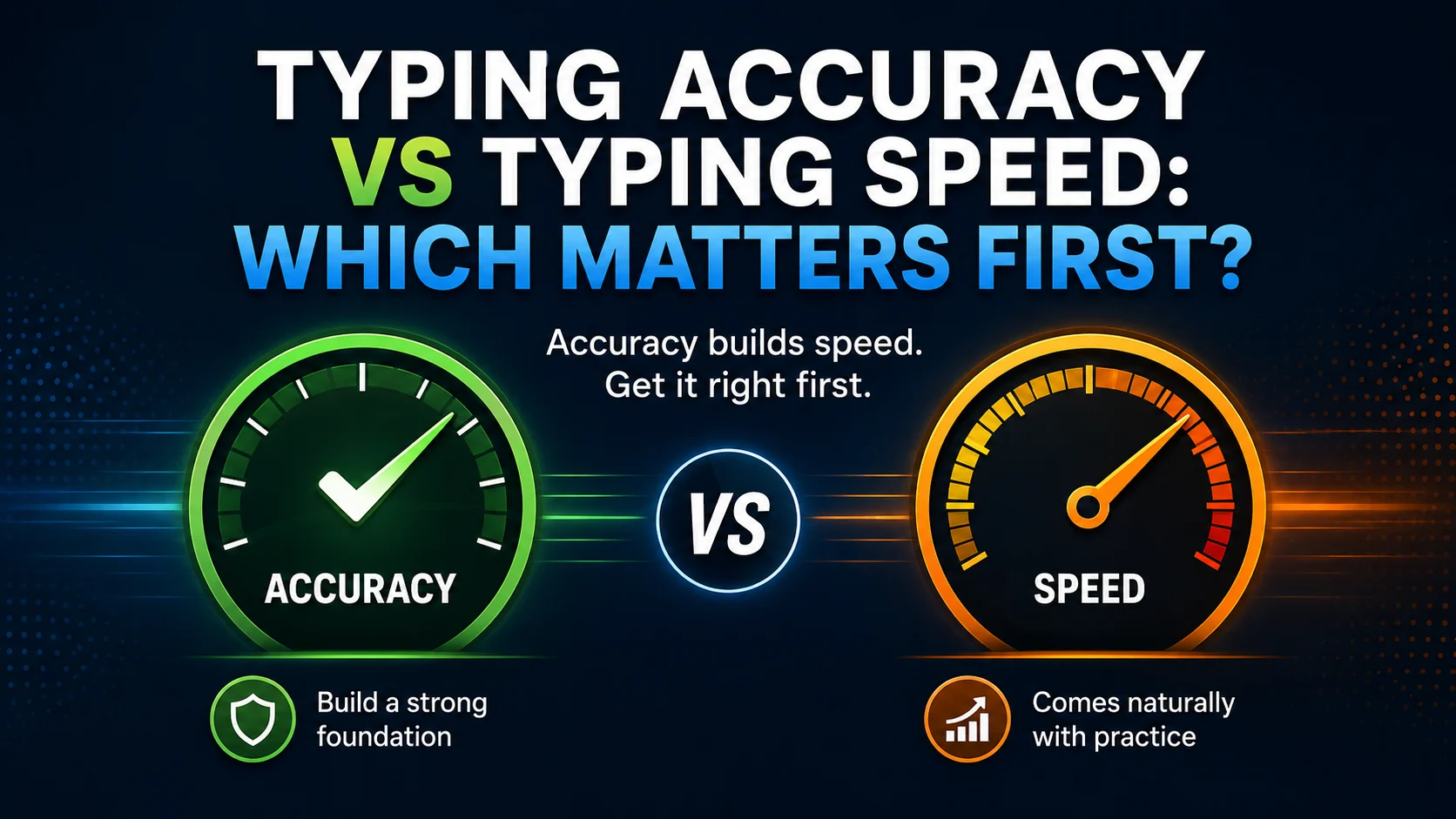
Learn why typing accuracy should come before speed and how clean practice helps WPM improve naturally.
Accuracy or speed first? Learn why clean typing should come before chasing WPM and how to improve both together.
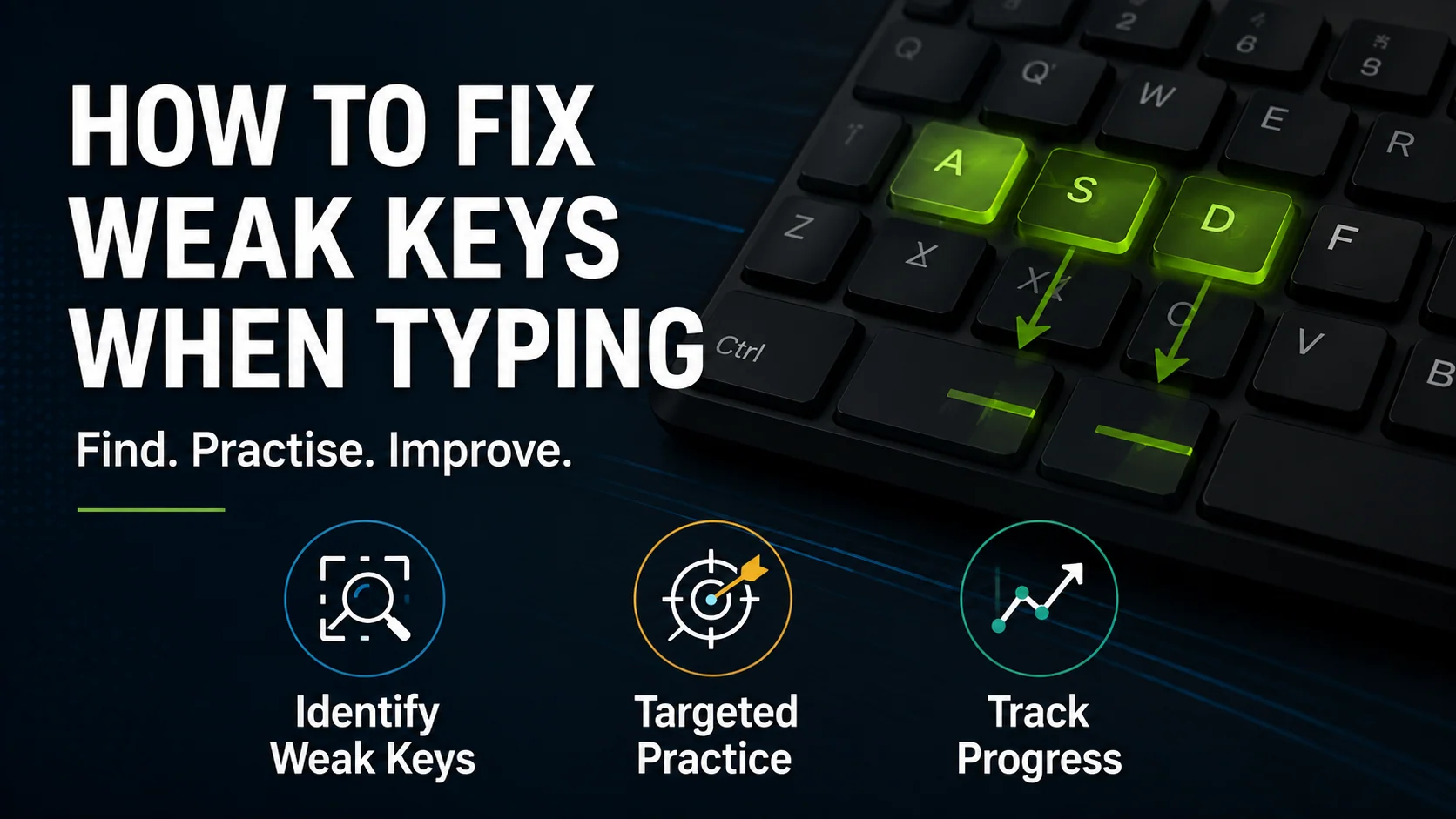
Learn how to identify weak keys, practise them directly, and reduce repeated typing mistakes with short focused drills.
Weak keys slow typing down. Learn how to identify repeated mistakes and fix them with focused short drills.
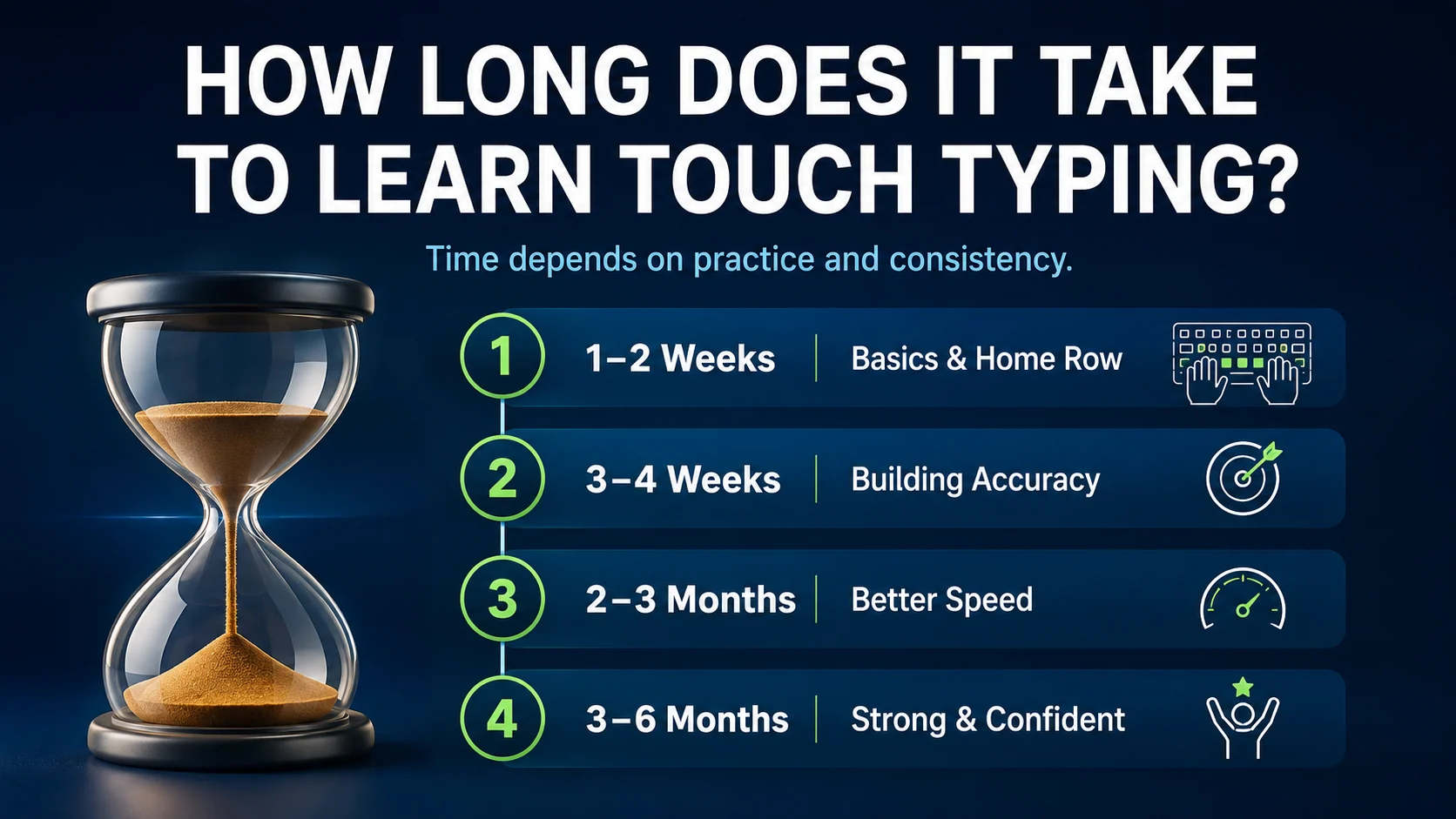
Learn realistic touch typing timelines, what affects progress, and how to improve with short daily practice.
How long does touch typing take to learn? See realistic timelines and a simple practice plan for steady progress.
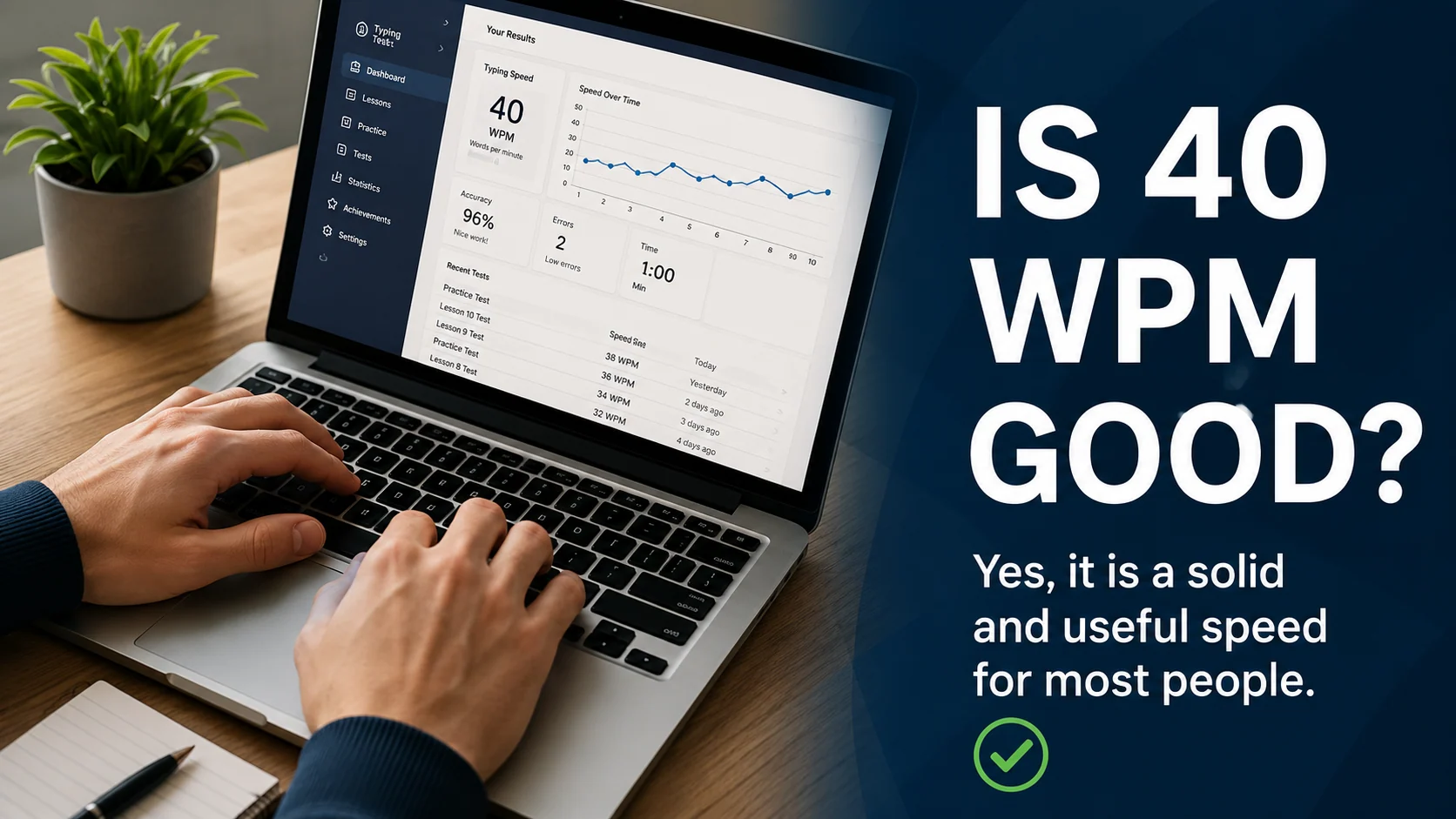
Find out whether 40 WPM is good for work, school, emails, admin tasks, and everyday typing.
Is 40 WPM good? Learn what it means for work, study, admin tasks, and how to improve beyond it.
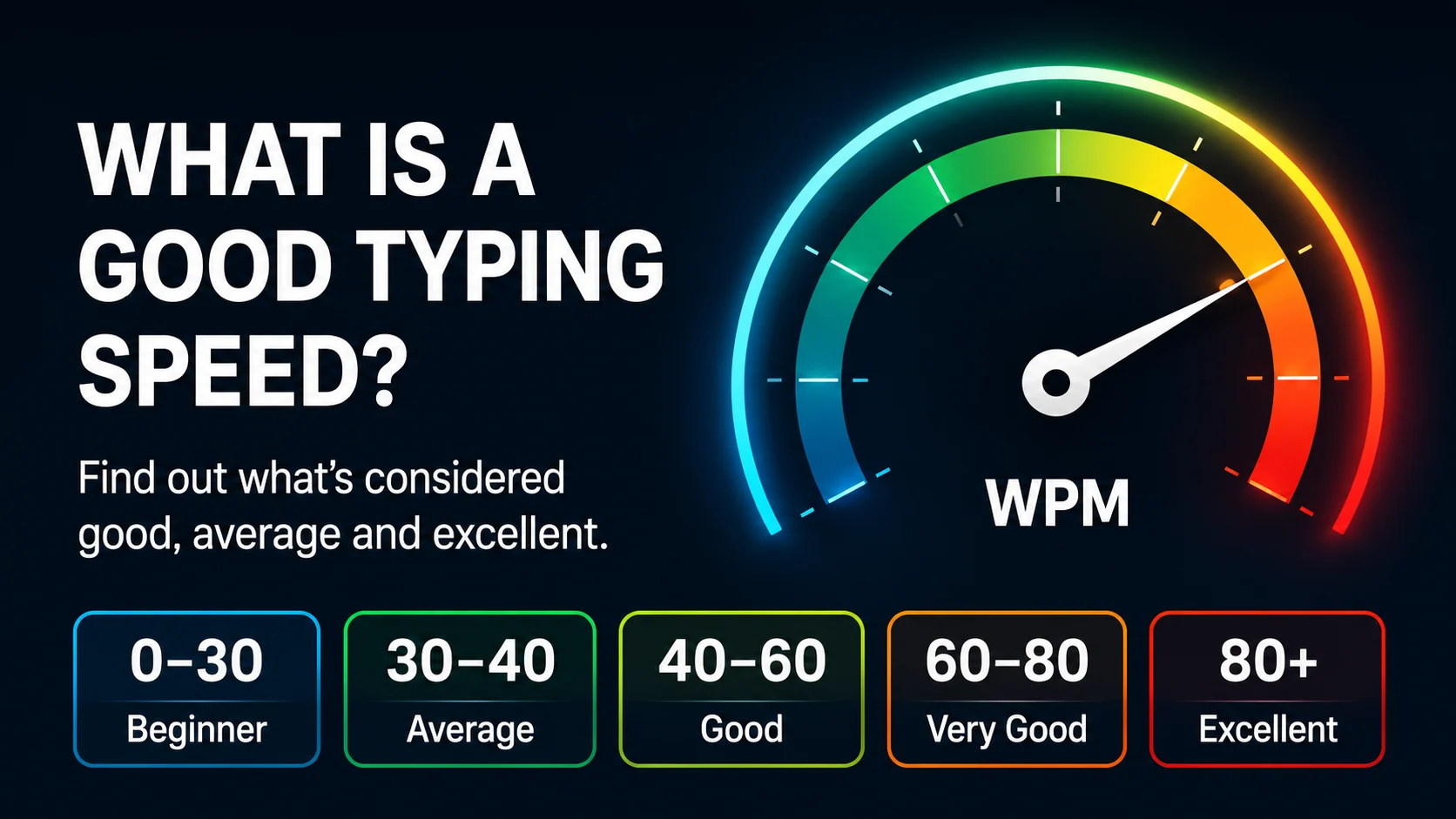
Understand what counts as a good typing speed, what WPM ranges mean, and how to improve your typing without losing accuracy.
What counts as a good typing speed? Learn WPM ranges, useful targets, and why accuracy matters as much as speed.
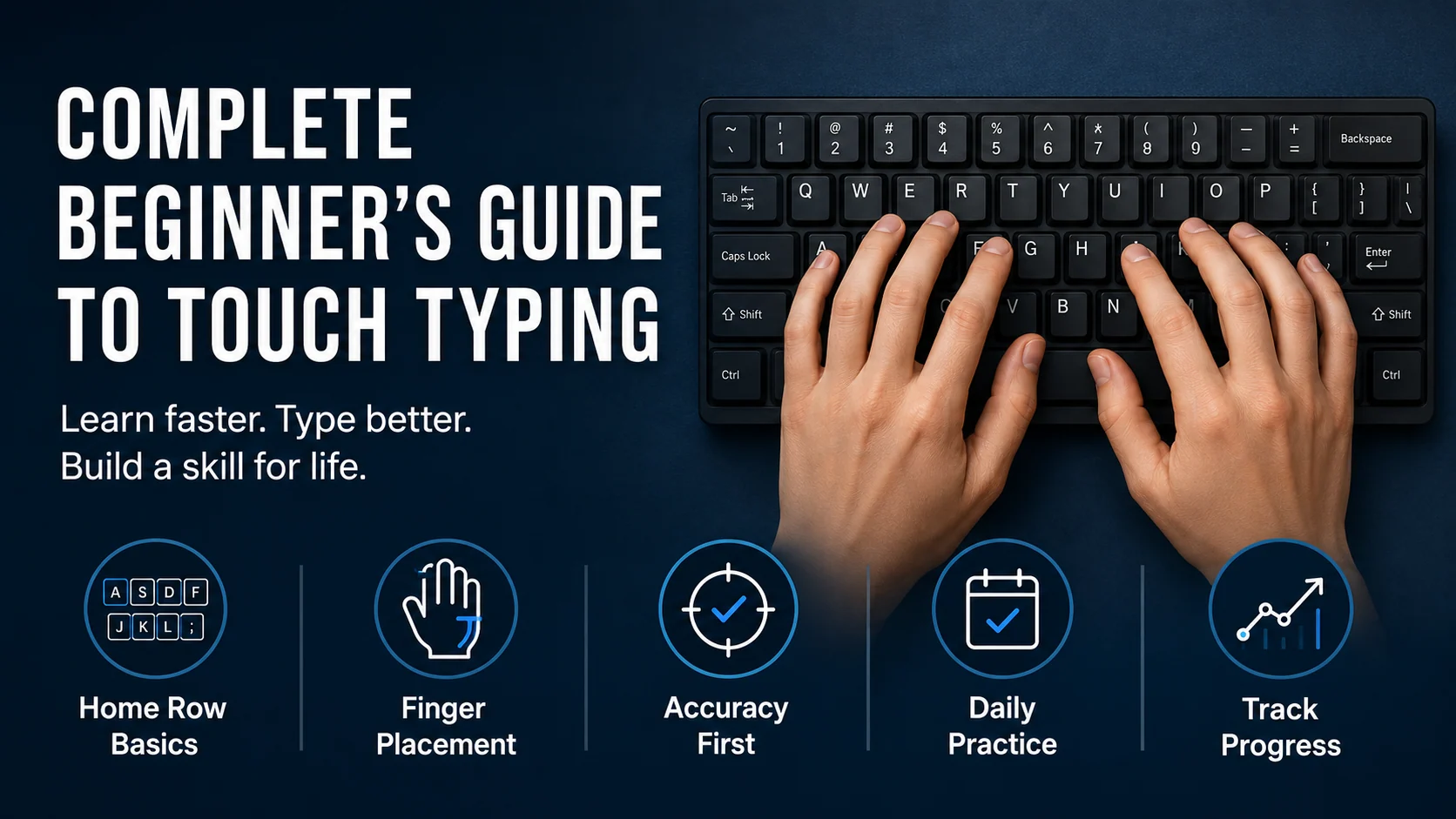
A complete beginner-friendly guide to learning touch typing with better accuracy, speed, confidence, and daily practice habits.
A complete beginner guide to touch typing, covering home row, finger placement, accuracy, speed, weak keys, and simple daily practice.
How to learn touch typing without getting lost
Learning touch typing can feel confusing at first. This guide shows you how to follow a clear path, practise the right keys, and build confidence step by step.
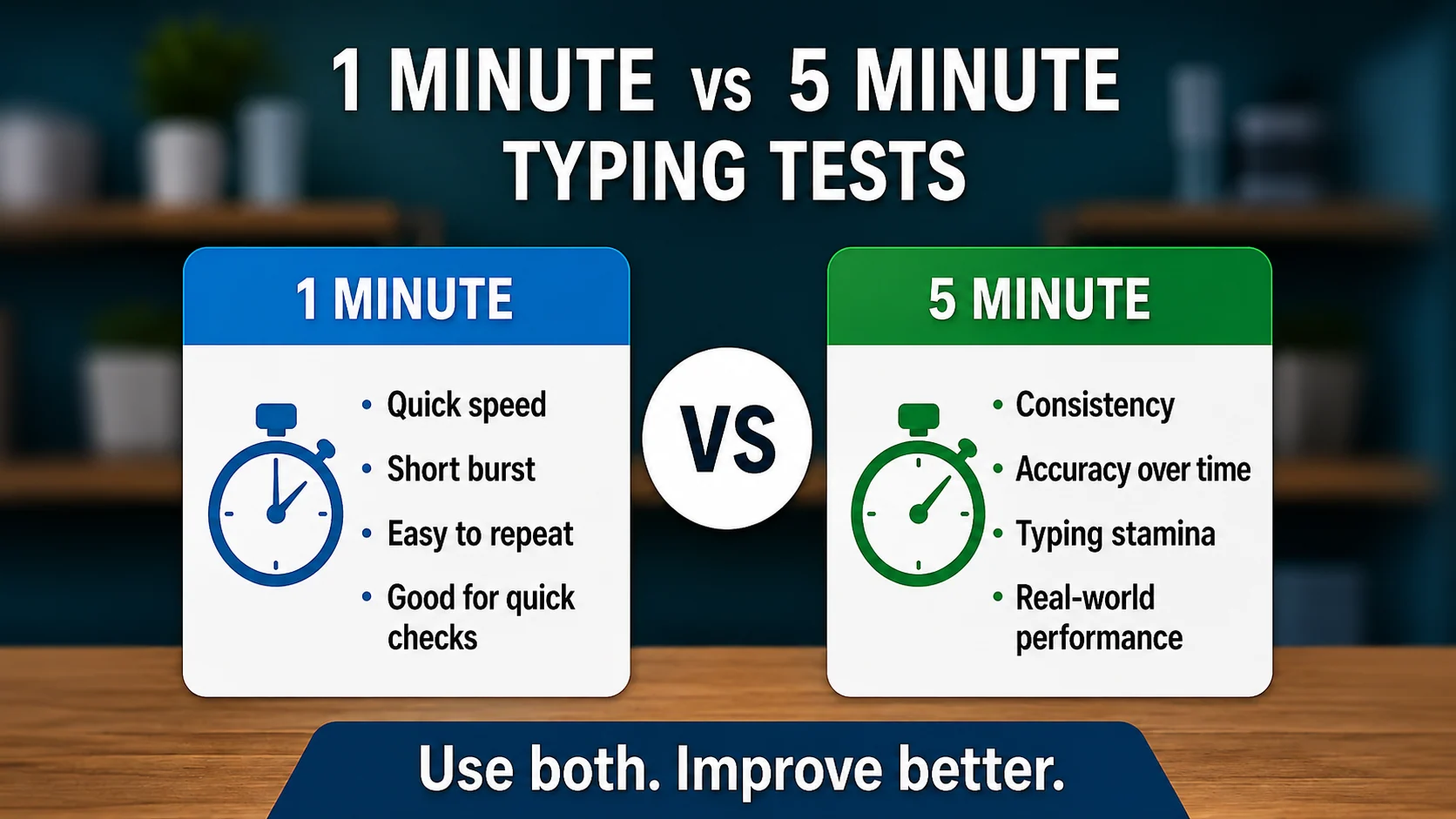
Learn what 1-minute and 5-minute typing tests really measure, when to use each one, and why longer tests reveal typing consistency.
A 1-minute typing test shows quick speed. A 5-minute test reveals consistency, accuracy, rhythm, and whether your typing holds up for longer.
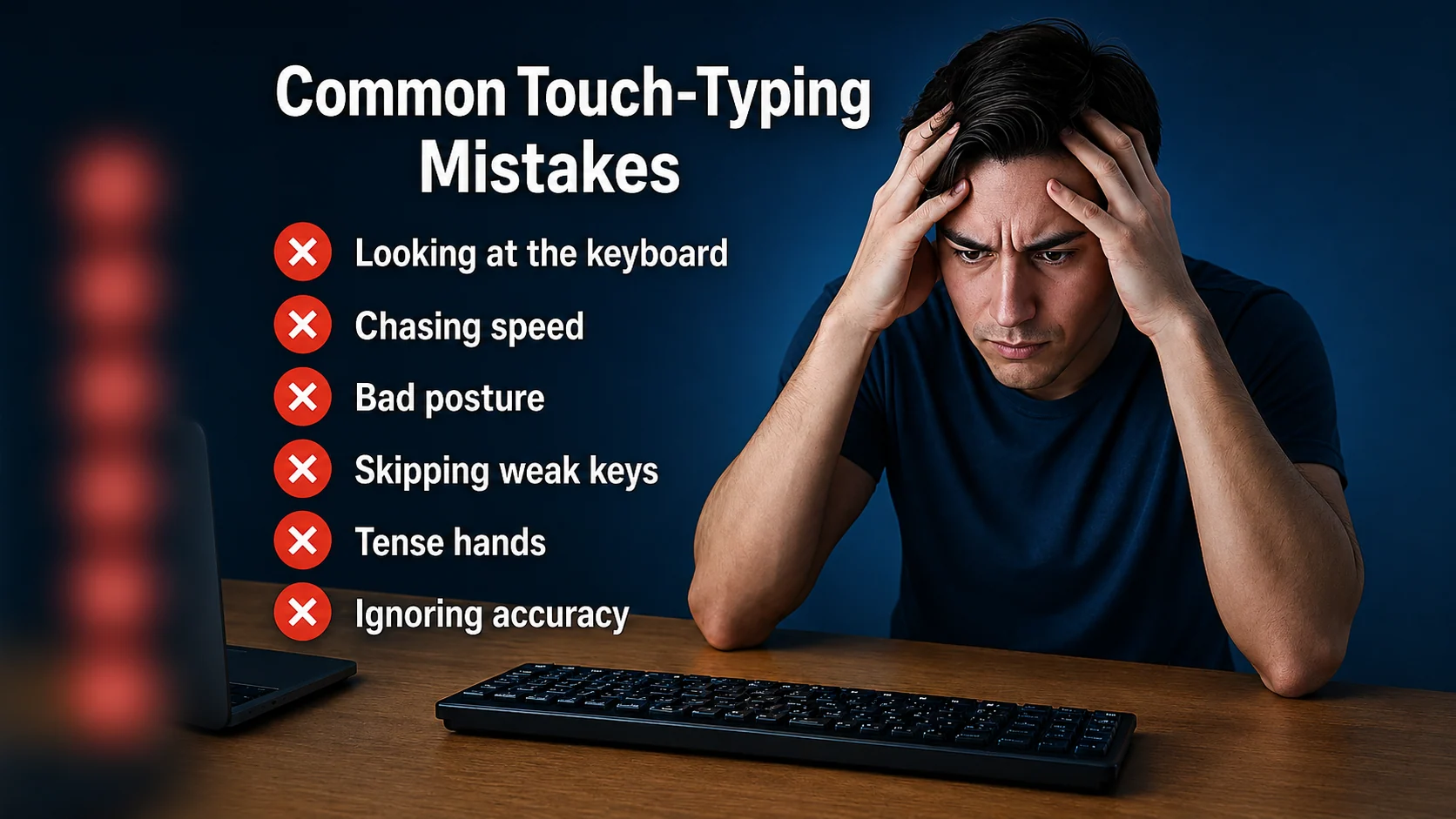
Common touch-typing mistakes that keep learners stuck
Learn the most common touch-typing mistakes that slow progress and how to fix them with simple, practical practice habits.
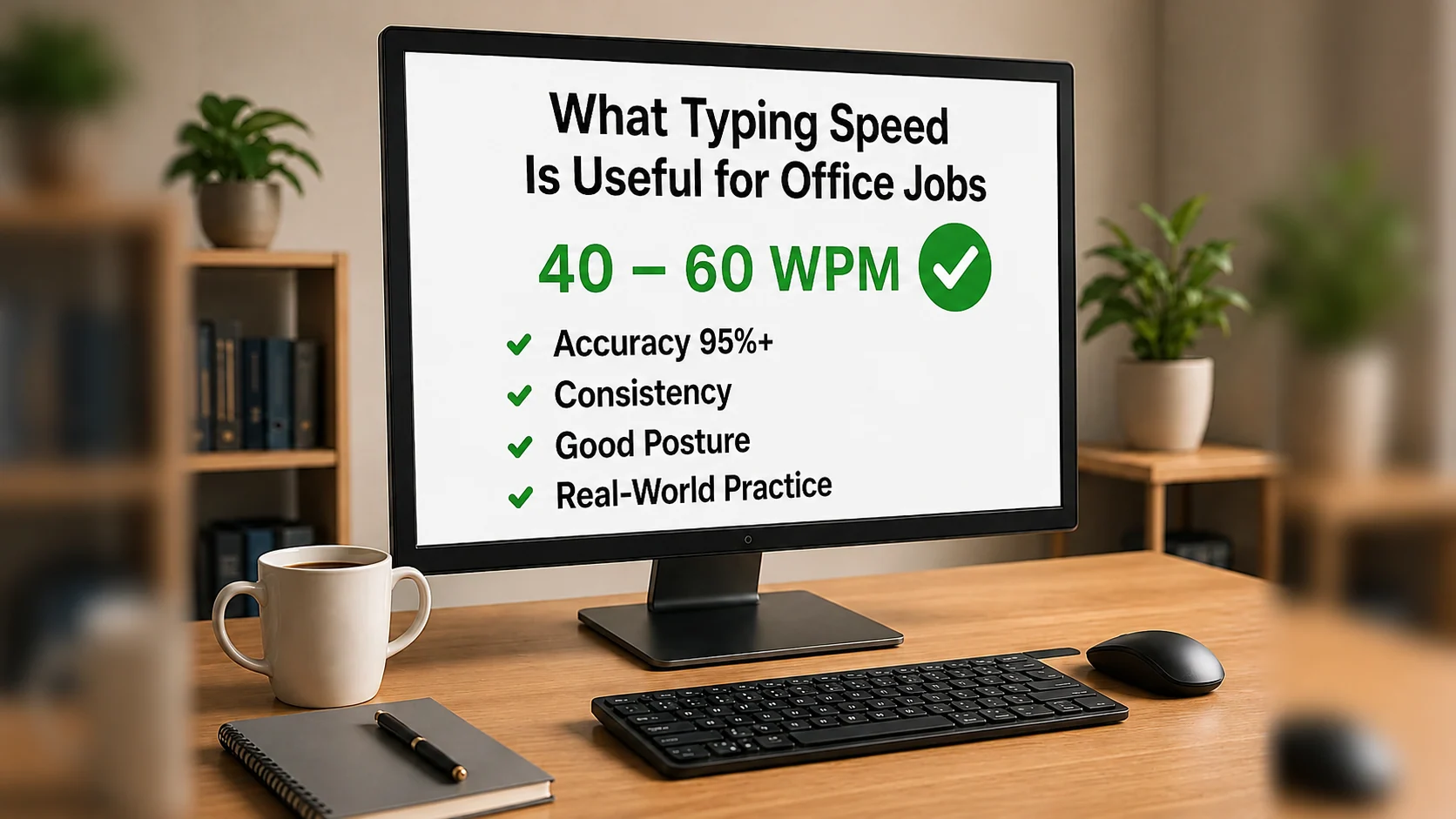
Learn what typing speed is useful for office jobs, admin work, emails, data entry, and everyday workplace tasks.
A useful office typing speed is not only about WPM. Learn what speed to aim for, why accuracy matters, and how to practise for real work tasks.