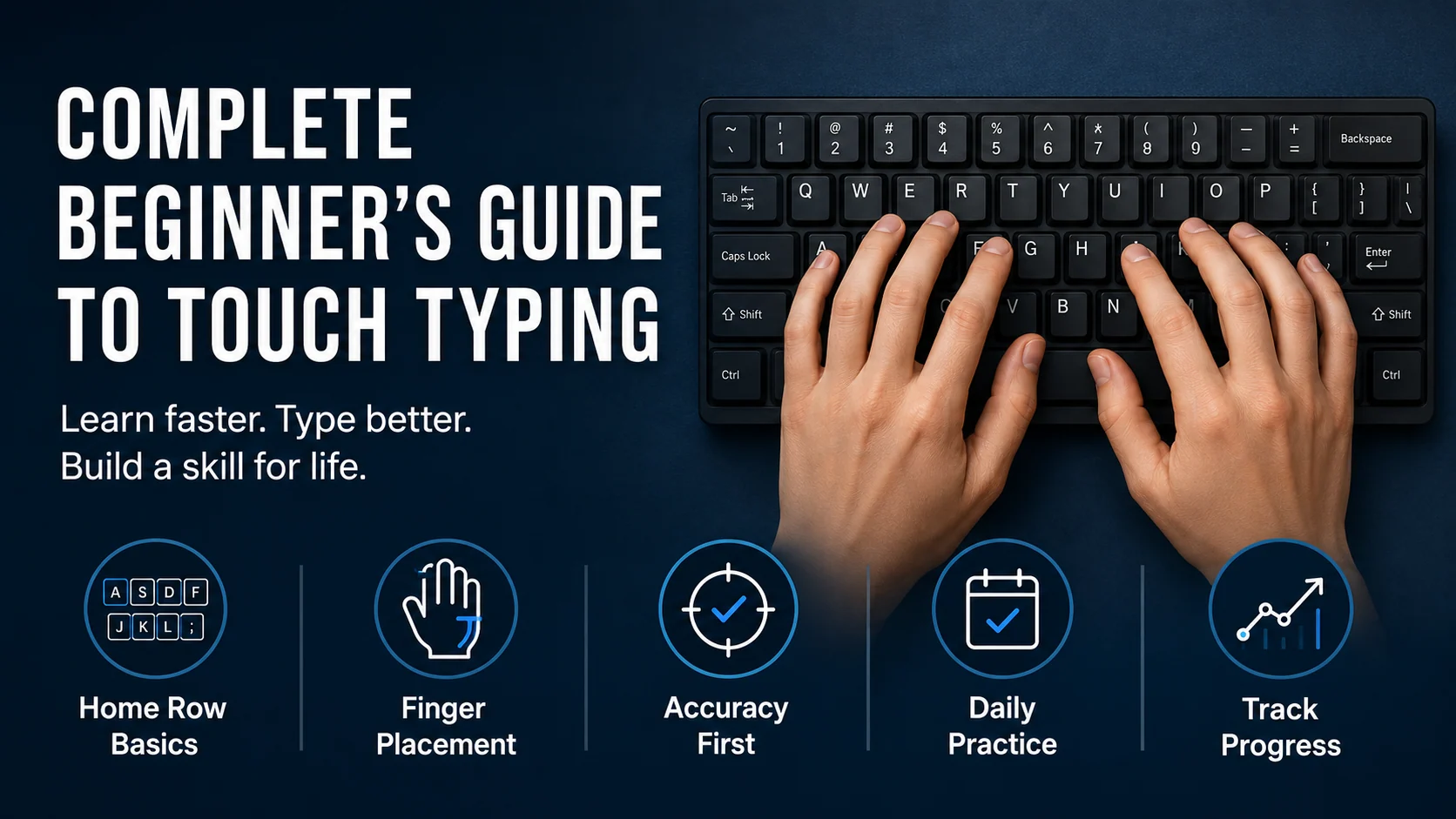
Touch typing is the skill of typing without needing to look at the keyboard for every key.
For beginners, it can feel strange at first. You may type more slowly than usual, make mistakes on simple letters, or feel unsure about where your fingers should go. That is normal. You are not just learning keys. You are building a new habit.
Touch typing becomes easier when you follow a clear path instead of trying to learn the whole keyboard at once.
This guide gives you a practical beginner plan for learning touch typing step by step.
The quick answer
To learn touch typing as a beginner:
- Start with posture and relaxed hands
- Learn the home row first
- Add new keys gradually
- Focus on accuracy before speed
- Practise for 10 to 15 minutes a day
- Fix weak keys before moving too far ahead
- Use typing tests as checkpoints, not as your only practice
The goal is not to type fast on day one. The goal is to build reliable keyboard control.
What touch typing actually means
Touch typing means your fingers find the keys by position and movement rather than by sight.
At first, this may feel slower than looking down. That does not mean you are doing it wrong. It means your brain and fingers are learning a more organised system.
Over time, touch typing helps you:
- keep your eyes on the screen
- reduce hesitation
- type with fewer corrections
- build better rhythm
- use both hands properly
- feel more confident at the keyboard
For work, study, emails, forms, and everyday computer use, that confidence is very valuable.
Start with posture and hand position
Before worrying about speed, make sure your setup allows relaxed movement.
Check these basics:
- Sit comfortably
- Keep your keyboard directly in front of you
- Relax your shoulders
- Keep your wrists neutral
- Rest your fingers lightly on the keys
- Use a gentle key press
- Keep your eyes on the screen when possible
Tip: Good typing should feel controlled, not forced.
If your shoulders rise or your fingers press too hard, slow down and reset.
Learn the home row first
The home row is the centre of touch typing.
| Hand | Home row keys |
|---|---|
| Left hand | a s d f |
| Right hand | j k l ; |
Your index fingers rest on f and j. These keys usually have small bumps so you can find them without looking.
The home row matters because it gives your fingers a base. After reaching for another key, your fingers return home.
Home row drill
asdf jkl;
fdsa ;lkj
sad lad ask all
fall salad flask
Type slowly. Focus on returning to the home row after each reach.
Add new keys gradually
Do not try to learn every letter, number, symbol, and punctuation mark at once.
A sensible path looks like this:
- Posture and home row
- Home row words
- Top row letters
- Bottom row letters
- Capital letters
- Common punctuation
- Numbers
- Symbols
- Longer copy practice
- Timed typing tests
This kind of order makes learning easier because each new skill builds on the previous one.
Qtype Pro is designed around structured lessons so you do not have to guess what to practise next.
Accuracy comes before speed
Many beginners ask how fast they should type. A better first question is:
How accurately can I type while staying relaxed?
Speed built on mistakes usually does not last. If you rush too early, your fingers repeat the wrong movements.
A useful beginner target is 95% accuracy or higher during controlled practice. If your accuracy drops, slow down.
Accuracy drill
I can type slowly and clearly.
Clean typing builds better speed.
Small steps build strong habits.
Type each line carefully. Try to make the second run cleaner than the first.
Practise for 10 to 15 minutes a day
You do not need long sessions to improve.
A simple beginner routine is:
| Time | Activity |
|---|---|
| 2 minutes | Warm up with easy keys |
| 5 minutes | Continue your current lesson |
| 3 minutes | Practise weak keys |
| 2–5 minutes | Take a short typing test or copy burst |
Short daily practice is easier to maintain than one long session once a week.
Use typing tests carefully
Typing tests are useful, but they are not the whole learning plan.
A test measures what you can already do. Lessons and drills build the skill.
Use a one-minute typing test as a quick checkpoint. Later, try a three-minute typing test to check consistency.
After a test, ask:
What should I practise next?
That question is more useful than only looking at WPM.
Fix weak keys early
Most learners have a few keys that slow them down.
You may notice mistakes with:
- top row reaches
- bottom row reaches
r,u,b, orn- punctuation
- capital letters
- common pairs like
th,br, oring
Use the Weak Keys Practice tool to identify what needs attention.
Weak-key drill
run turn under return
bring number under run
clean control correct careful
Keep drills short and focused. One weak key fixed properly is better than ten random tests.
Common beginner mistakes
Avoid these habits:
- Trying to learn the whole keyboard at once
- Chasing speed too early
- Looking down for every key
- Ignoring the home row
- Practising only typing tests
- Skipping weak keys
- Practising for too long when tired
Touch typing improves faster when each session has a clear purpose.
How Qtype Pro helps
Qtype Pro helps beginners learn touch typing step by step.
You can use it to:
- follow a structured course
- practise keys in a sensible order
- track WPM and accuracy
- find weak keys
- take typing tests
- build confidence with games and challenges
Instead of guessing what to practise, you follow a guided path.
Frequently asked questions
Is touch typing hard to learn?
It can feel awkward at first, but it becomes easier with short, consistent practice. The key is to start with the home row and add new keys gradually.
How long should beginners practise each day?
For most beginners, 10 to 15 minutes a day is enough. Consistency matters more than long sessions.
Should I look at the keyboard while learning?
An occasional glance is normal at the beginning, but try to reduce it gradually. The goal is to keep your eyes on the screen more often.
Should I focus on speed or accuracy first?
Focus on accuracy first. Speed grows better when your fingers already know the correct movements.
Final thought
Touch typing is not learned in one big jump.
Start with the home row. Practise slowly. Keep accuracy visible. Fix weak keys. Use typing tests to check progress.
Small daily steps become confident keyboard skill.