Most people do not learn touch typing overnight.
You can understand the basics quickly, but building confident typing takes repetition. Your fingers need time to learn the keyboard, your eyes need to stay on the screen, and your accuracy needs to become stable.
Touch typing is not learned by one long session. It is built through short, consistent practice.
This guide explains realistic timeframes and how to practise so you do not waste time.
The quick answer
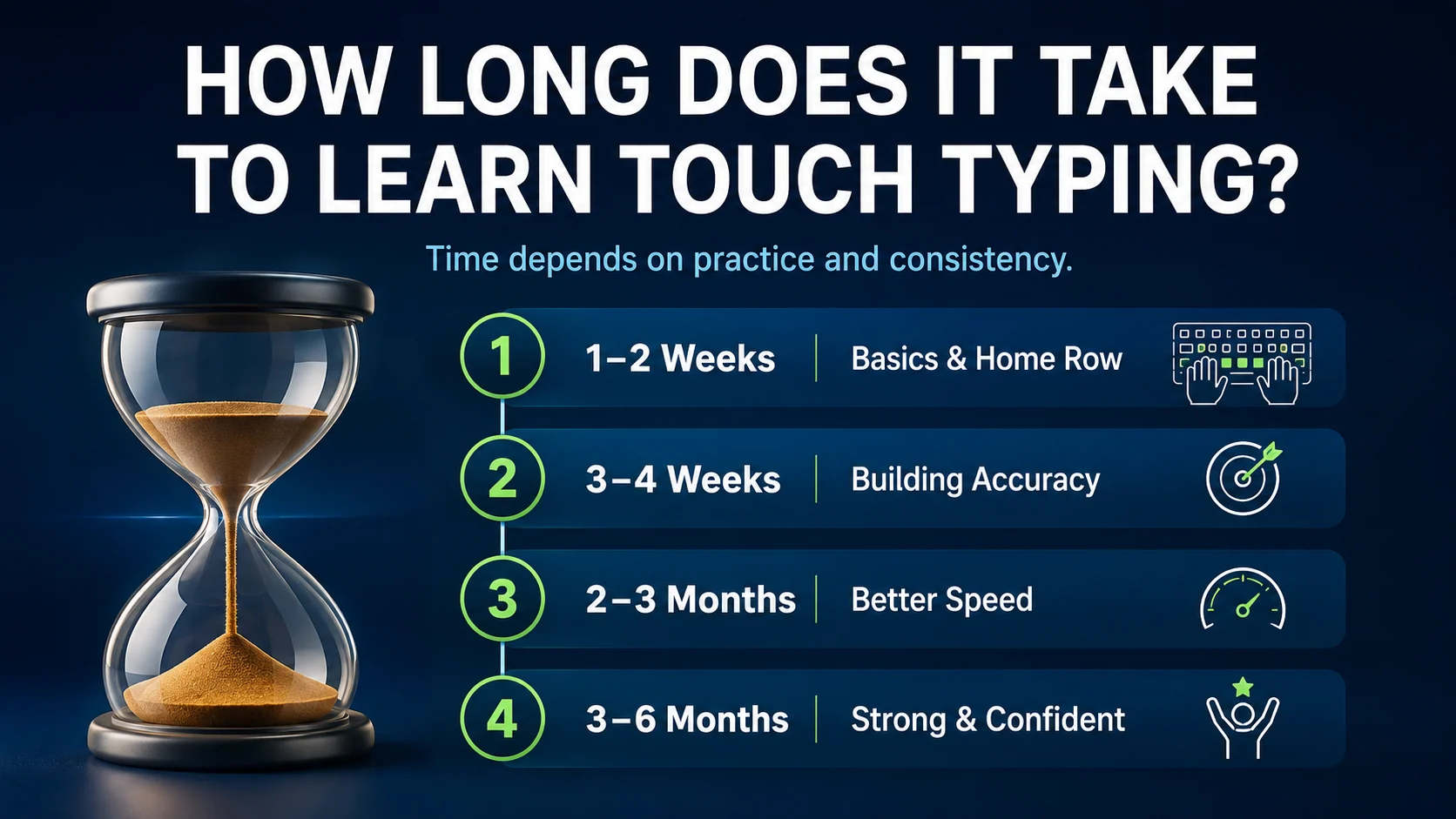
A realistic guide is:
| Timeframe | What many learners can build |
|---|---|
| 1–2 weeks | basic hand position and home row awareness |
| 3–4 weeks | better accuracy and more familiar keys |
| 2–3 months | stronger speed and fewer repeated mistakes |
| 3–6 months | more confident typing for work, study, and daily tasks |
This depends on your starting point, practice routine, keyboard experience, and accuracy.
What affects how quickly you learn?
Touch typing progress depends on several things.
Important factors include:
- how often you practise
- whether you follow a structured course
- your starting typing habits
- how much you look at the keyboard
- how carefully you practise accuracy
- whether you fix weak keys
- how relaxed your hands are
- whether you practise realistic text
Two learners can practise for the same amount of time and get different results because they practise differently.
Beginners may feel slower at first
When you start touch typing, you may feel slower than before.
That is normal.
If you used to type by looking at the keyboard, you may have developed your own method. Touch typing asks your fingers to use a more organised system. At first, this feels unfamiliar.
Do not panic if your speed drops temporarily.
Feeling slower at the start often means you are replacing old habits with better ones.
What you can learn in the first week
In the first week, focus on the basics.
You should practise:
- correct posture
- relaxed hands
- home row position
fandjanchors- simple home row drills
- short daily sessions
Do not expect high speed yet. The goal is to understand where your hands should start.
First-week drill
asdf jkl;
fdsa ;lkj
sad lad ask all
Practise slowly and return your fingers to the home row.
What you can build in one month
With regular practice, one month can create a strong foundation.
You may learn:
- home row control
- top row reaches
- bottom row reaches
- simple words and phrases
- basic punctuation
- better screen focus
- fewer repeated mistakes
At this stage, accuracy matters more than speed.
A useful goal is:
Type with better control and fewer mistakes, even if speed is still developing.
What you can improve in three months
After two to three months of consistent practice, many learners start feeling more comfortable.
You may notice:
- less looking at the keyboard
- better rhythm
- higher accuracy
- faster typing tests
- fewer weak-key mistakes
- more confidence with sentences
- better typing for work or study
This is often where touch typing starts to feel useful in real life.
What you can achieve in six months
After several months, typing can become much more automatic.
You may still have weak areas, especially punctuation, numbers, or symbols, but normal typing should feel smoother.
A realistic long-term target for many learners is:
- 40 to 60 WPM
- 95%+ accuracy
- less looking down
- comfortable punctuation
- stronger keyboard confidence
Not everyone needs extreme speed. Most people need reliable typing.
How often should you practise?
Short daily sessions work best for most learners.
Try this routine:
| Time | Activity |
|---|---|
| 2 minutes | warm up |
| 5 minutes | current lesson |
| 3 minutes | weak keys |
| 2–5 minutes | typing test or copy burst |
That is around 10 to 15 minutes.
A little every day is better than a long session once a week.
Why some learners take longer
Progress may be slower if you:
- practise inconsistently
- chase speed too early
- look at the keyboard too often
- avoid weak keys
- skip punctuation
- type with tense hands
- practise text that is too difficult
- rely only on typing tests
These habits do not mean you cannot learn. They just mean your practice needs to be adjusted.
How to speed up progress safely
To learn faster without building bad habits:
- Follow a structured course
- Keep accuracy visible
- Practise daily
- Fix one weak area at a time
- Use typing tests as checkpoints
- Take short breaks when tense
- Practise realistic sentences
Use the Weak Keys Practice tool when mistakes repeat.
When should you test your speed?
Use tests to check progress, not to replace lessons.
A one-minute typing test is useful for quick checks. A three-minute typing test shows consistency better.
After each test, ask:
What slowed me down?
That answer tells you what to practise next.
Frequently asked questions
Can I learn touch typing in a week?
You can learn the basics in a week, but confident typing usually takes longer.
How long does it take to type without looking?
It depends on your practice, but many learners reduce looking down after a few weeks of consistent home row and key practice.
How long to reach 40 WPM?
Some learners reach 40 WPM within weeks, while others need a few months. Accuracy and consistency matter more than rushing.
Is daily practice necessary?
Daily practice is not required, but it helps. Short regular sessions build memory faster than occasional long sessions.
Final thought
Touch typing takes time, but it does not need to feel overwhelming.
Start with the basics, practise consistently, protect accuracy, and fix weak keys. Progress may feel slow at first, but small daily improvements add up.