Typing faster is not about forcing your fingers to move quickly.
Real typing speed comes from accuracy, rhythm, relaxed movement, and fewer corrections. When learners rush too early, they often get a higher WPM score for a moment, but they also create more mistakes, more backspacing, and more frustration.
The better goal is simple:
Type smoothly, make fewer mistakes, and let speed grow from control.
This guide will show you how to improve typing speed in a practical way, especially if you are learning for work, study, job applications, or everyday computer confidence.
The quick answer
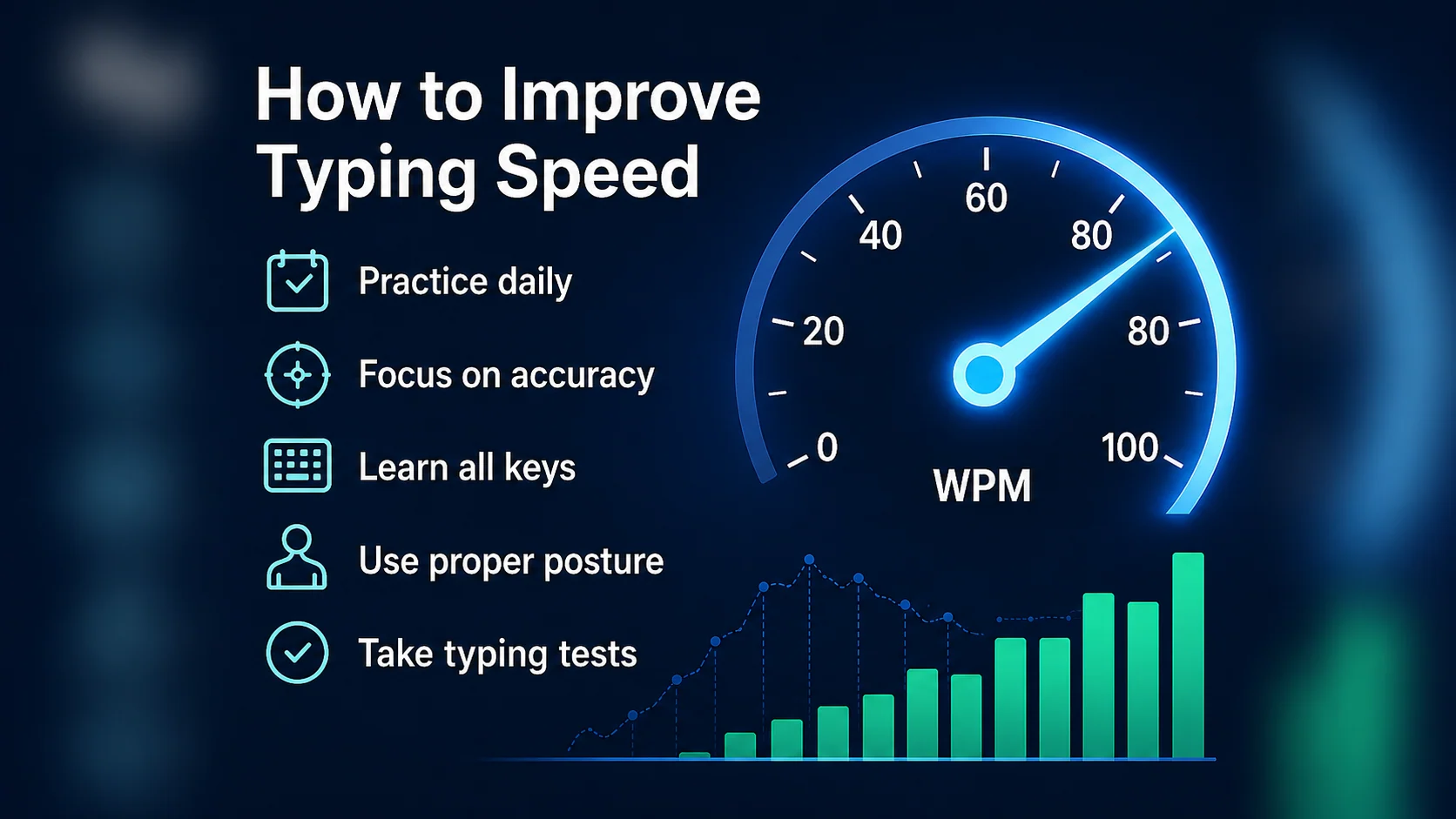
To improve your typing speed, focus on five things:
- Keep accuracy around 95% or higher
- Practise for 10 to 15 minutes a day
- Stop looking at the keyboard
- Fix weak keys instead of repeating full tests
- Use typing tests to measure progress, not as your only practice
Typing speed improves when your fingers know where to go without hesitation. That takes repetition, but it needs to be the right kind of repetition.
1. Start with accuracy before speed
The biggest mistake beginners make is chasing WPM too early.
WPM means words per minute, but the number only matters if your typing is clean enough to use. Fast typing with lots of mistakes is not useful in real work. It slows you down because you spend extra time correcting errors.
A better order is:
- Accuracy
- Rhythm
- Speed
If your accuracy drops badly, slow down slightly. That does not mean you are failing. It means you are training your fingers to move correctly.
Tip: Speed built on messy typing usually does not last. Clean typing gives you a stronger foundation.
Practical drill
Type this line slowly and cleanly three times:
I can type this line with control.Then type it once at a slightly faster pace.
The goal is not to rush. The goal is to keep the same clean movement while gently increasing speed.
2. Use a structured typing path
Random typing practice can help a little, but it is not the best way to build lasting skill.
A structured typing course introduces keys in a sensible order. This matters because your fingers need time to learn each movement. If you jump into long paragraphs too early, you may start practising punctuation, numbers, capital letters, and awkward combinations before your hands are ready.
A good typing path usually moves like this:
- Posture and hand position
- Home row control
- Top row and bottom row reaches
- Short words
- Phrases
- Sentences
- Capitals and punctuation
- Numbers and symbols
- Longer copy practice
- Timed typing tests
This makes improvement easier because each new skill builds on the one before it.
Qtype Pro follows this kind of structured approach so learners do not have to guess what to practise next.
3. Practise for 10 to 15 minutes a day
You do not need to practise for hours.
For most learners, short daily sessions work better than occasional long sessions. Long sessions can become tiring, and tired typing often creates more mistakes.
Try this simple daily routine:
| Time | Activity |
|---|---|
| 2 minutes | Warm up with easy text |
| 5 minutes | Continue your current lesson |
| 3 minutes | Practise weak keys |
| 2–5 minutes | Take a short typing test |
That is enough to make steady progress without making practice feel heavy.
The key is consistency. Ten focused minutes every day is usually better than one long session followed by several days of no practice.
4. Keep your hands relaxed
Tension slows typing down.
If your shoulders are raised, your wrists are stiff, or your fingers are pressing too hard, your hands will tire quickly. Good typing should feel controlled, but not tense.
Before you practise, check these points:
- Sit comfortably
- Keep your shoulders relaxed
- Keep your wrists neutral
- Use a light key press
- Let your fingers return to the home row
- Take a short break if your hands feel tight
Speed should come from smooth movement, not force.
Many learners press keys harder when they are trying to type faster. This usually makes typing slower and less accurate. A lighter touch helps your fingers move more freely.
5. Stop looking at the keyboard
Looking at the keyboard is one of the biggest limits on typing speed.
Every time your eyes leave the screen, your rhythm breaks. You then have to find your place again in the text, which costs time and focus.
Do not try to fix this by suddenly covering the keyboard if that makes you nervous. Build confidence gradually instead.
Try this method
- Choose a short line using keys you already know.
- Look at the screen.
- Type slowly.
- Only look down if you are completely stuck.
- Repeat the same line until your fingers remember the movement.
Start with something simple:
The task is simple.
I can type with care.
Good habits build speed.
The aim is not perfection on day one. The aim is to trust your fingers more each session.
6. Fix weak keys instead of repeating full tests
Typing tests are useful, but they do not fix everything.
If you keep making the same mistakes, another test may only repeat the same problem. This is where weak-key practice helps.
For example, you may notice mistakes on:
rub- comma
- full stop
- apostrophe
- capital letters
Instead of taking another full typing test straight away, spend a few minutes practising the exact keys or combinations causing trouble.
Weak-key drill example
run rub bring under number
bring number under rub run
under run number bring rub
Short targeted drills can remove bottlenecks faster than random practice.
You can also use the Weak Keys Practice tool to identify letters or combinations that need more attention.
7. Build rhythm with short copy bursts
Many learners type unevenly.
They rush easy words, freeze on harder words, then rush again. This creates mistakes and makes typing feel stressful.
Short copy bursts help you build rhythm.
Try typing these lines at a steady pace:
The task is simple.
I can type with control.
Good rhythm helps speed.
Do not aim for maximum speed. Aim for smooth movement, even spacing, and fewer corrections.
When rhythm improves, speed often follows.
8. Use typing tests properly
Typing tests are useful when you use them the right way.
A one-minute typing test is good for a quick check. A three-minute typing test gives a better picture of consistency because it shows whether your technique holds up for longer.
After each test, look at:
- WPM
- Accuracy
- Common errors
- Keys that caused hesitation
- Whether punctuation slowed you down
- Whether your speed dropped near the end
Do not only ask:
What was my score?
Ask:
What should I practise next?
That one change makes typing tests much more useful.
9. Set realistic WPM goals
Not everyone needs to type at extreme speed.
For many people, the real goal is to type comfortably for work, study, emails, online forms, documents, and everyday computer tasks.
A rough guide:
| Typing speed | What it usually means |
|---|---|
| 20–30 WPM | Beginner level |
| 35–45 WPM | Comfortable for many everyday tasks |
| 50–60 WPM | Strong practical target for work and study |
| 70+ WPM | Fast for most normal users |
If you currently type slowly, do not worry about jumping straight to 70 WPM. A steady improvement from 25 to 40 WPM can make a real difference in daily computer use.
10. Avoid habits that slow progress
Some habits make typing speed harder to improve.
Avoid these common mistakes:
- Practising only with speed tests
- Ignoring accuracy
- Looking at the keyboard too often
- Typing with tense hands
- Practising difficult text too early
- Skipping weak-key correction
- Comparing yourself too much with other people
Your own progress matters more than someone else’s score.
The best question is not:
Am I faster than other people?
The better question is:
Am I more accurate, smoother, and more confident than last week?
A simple 7-day typing speed routine
Use this routine for one week.
Day 1: Measure your starting point
Take a one-minute typing test. Write down your WPM and accuracy.
Day 2: Focus on accuracy
Practise slowly and aim for clean typing. Do not chase speed yet.
Day 3: Fix weak keys
Look at your mistakes and practise the keys that caused the most errors.
Day 4: Practise rhythm
Use short sentences and keep a steady pace.
Day 5: Test again
Take another one-minute typing test. Compare accuracy first, then WPM.
Day 6: Add short copy bursts
Practise realistic sentences that feel like normal writing.
Day 7: Try a longer test
Take a three-minute typing test and review your consistency.
This routine gives you a useful balance of practice, correction, and measurement.
Want a guided version? Try the 7-day typing challenge and build a simple daily practice habit.
How Qtype Pro helps
Qtype Pro is designed to help learners improve typing speed without losing accuracy.
You can use it to:
- Follow a structured touch typing course
- Practise in short daily sessions
- Track WPM and accuracy
- Find weak keys
- Build confidence through games and challenges
- Take typing tests to measure progress
Instead of guessing what to practise, Qtype Pro gives you a clear path and helps you see where your typing is improving.
Start with a short typing test, review your weak keys, and practise a little every day.
Frequently asked questions
How can I improve my typing speed quickly?
The fastest safe way is to improve accuracy, practise daily, and fix weak keys. Rushing usually creates more mistakes, which slows you down later.
Should I focus on WPM or accuracy?
Focus on accuracy first. Once your accuracy is stable, your speed can grow more naturally.
How long should I practise typing each day?
For most learners, 10 to 15 minutes a day is enough. Consistency matters more than long sessions.
Is 40 WPM good?
Yes. Around 40 WPM is comfortable for many everyday work and study tasks, especially if your accuracy is high.
Why is my typing speed not improving?
Your speed may be stuck because of weak keys, low accuracy, poor rhythm, looking at the keyboard, or inconsistent practice.
Can typing games improve speed?
Yes. Typing games can help with motivation, reaction speed, and confidence. They work best when combined with structured lessons and accuracy-focused practice.
Final thought
Improving typing speed is not about rushing.
It is about building a calm, repeatable skill. Practise accurately, keep your hands relaxed, correct weak keys, and use typing tests to measure progress.
Small daily improvements add up.