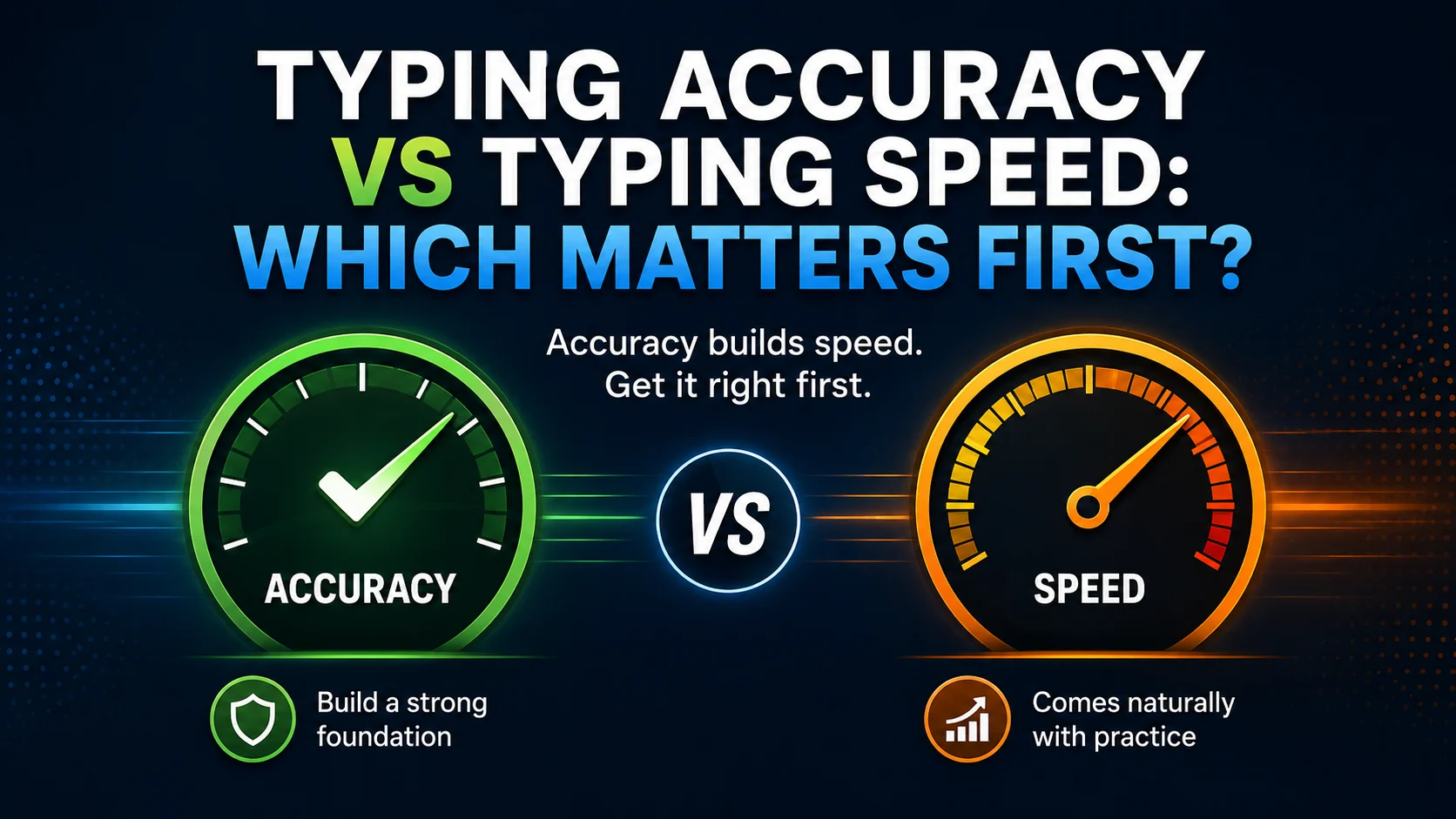
Typing accuracy and typing speed are connected, but they are not the same skill.
Many learners want to type faster first. That is understandable, because WPM is easy to measure and feels rewarding. But if speed comes before control, mistakes increase and progress often gets stuck.
Accuracy should come first because clean typing gives speed a stronger foundation.
This article explains why accuracy matters, when to work on speed, and how to improve both together.
The quick answer
The best order is:
- Accuracy
- Rhythm
- Speed
Start by reducing mistakes. Then build a steady typing rhythm. Once your movement is clean and controlled, speed can grow more naturally.
A useful practice target is:
- 95%+ accuracy during normal practice
- steady rhythm
- relaxed hands
- gradual WPM improvement
Why speed without accuracy is a problem
Fast typing with many mistakes is not useful in real work.
Mistakes cost time because you need to:
- backspace
- retype words
- proofread more carefully
- correct names or numbers
- recover your rhythm
- regain focus
A high WPM score can look impressive, but if accuracy is low, the true speed is lower than it appears.
What accuracy shows
Typing accuracy shows how reliably you press the correct keys.
Good accuracy means:
- fewer corrections
- better rhythm
- less frustration
- cleaner emails and documents
- stronger confidence
- better long-term speed potential
Accuracy is especially important for office work, study, data entry, and any task involving names, numbers, or formal writing.
What speed shows
Typing speed shows how quickly you can produce text.
Speed matters because it can help you complete work faster and keep up with your thoughts.
But speed should be controlled.
A strong typing result needs both:
| Skill | Why it matters |
|---|---|
| Accuracy | keeps text clean and reduces corrections |
| Speed | helps you type efficiently |
| Rhythm | connects accuracy and speed |
When should you focus on accuracy?
Focus on accuracy when:
- you are a beginner
- your accuracy is below 95%
- you make repeated mistakes
- you look at the keyboard often
- punctuation causes errors
- your WPM changes a lot between tests
- typing feels stressful or messy
In these cases, slowing down slightly can help you improve faster.
When should you focus on speed?
Focus more on speed when:
- your accuracy is stable
- you know the keys well
- weak keys are improving
- your hands feel relaxed
- your rhythm is steady
- mistakes are not increasing as you speed up
Speed practice should be gradual. Do not jump from careful typing to rushing.
How to improve both accuracy and speed
Use a balanced routine.
Step 1: Warm up slowly
I type with calm control.
Accuracy helps speed grow.
Good rhythm makes typing easier.
Step 2: Practise your current lesson
Follow structured lessons rather than random text.
Step 3: Fix weak keys
Use the Weak Keys Practice tool to find repeated mistakes.
Step 4: Take a short test
Use a one-minute typing test to measure progress.
Step 5: Review mistakes
Choose one thing to practise next.
Do not chase WPM every session
Some sessions should focus on accuracy. Some should focus on rhythm. Some should test speed.
If every session becomes a race, learners often develop tension and mistakes.
A better weekly balance is:
| Session type | Focus |
|---|---|
| Accuracy practice | clean movement |
| Weak-key practice | repeated mistakes |
| Rhythm practice | steady pace |
| Speed test | measurement |
This keeps progress healthier.
How rhythm connects accuracy and speed
Rhythm is the bridge between typing accurately and typing fast.
Many learners type unevenly:
fast, fast, mistake, pause, correction, fast again
That pattern hurts both speed and accuracy.
A steady rhythm keeps your fingers moving calmly.
Rhythm drill
The task is simple.
I can type with control.
Small habits build speed.
Type each line at an even pace.
What to measure after a typing test
After a test, do not only record WPM.
Track:
- WPM
- accuracy
- common mistakes
- weak keys
- whether you rushed
- whether punctuation slowed you down
- whether you looked down
A three-minute typing test can also show whether your accuracy holds up for longer.
Common mistakes
Avoid these habits:
- treating WPM as the only score
- ignoring accuracy drops
- practising only typing tests
- rushing difficult keys
- skipping weak-key drills
- comparing yourself to very fast typists
- typing with tense hands
Your own progress matters more than someone else’s speed.
How Qtype Pro helps
Qtype Pro tracks both speed and accuracy so you can improve in a balanced way.
You can use it to:
- follow lessons in order
- check WPM and accuracy
- practise weak keys
- use short typing tests
- build rhythm with structured practice
- stay motivated with games and challenges
The goal is not just to type faster. It is to type better.
Frequently asked questions
Should I focus on typing speed or accuracy first?
Focus on accuracy first. Speed becomes more useful when mistakes are under control.
What accuracy should I aim for?
A useful practice target is 95% or higher. For important work, aim even higher.
Can speed improve if I type slowly?
Yes. Slow accurate practice teaches clean movement. Speed can grow once the movement is reliable.
Why does my accuracy drop when I type faster?
Your fingers may not be ready for that speed yet. Slow down, practise weak keys, and build rhythm.
Final thought
Typing speed is useful, but accuracy comes first.
Clean typing builds confidence. Confidence builds rhythm. Rhythm makes speed easier to grow.
Practise accurately today, and your WPM will have a stronger foundation tomorrow.