Admin jobs often involve a lot of typing.
You may need to write emails, update records, enter data, prepare documents, take notes, complete forms, and respond to messages. Good typing skills can make these tasks smoother and less stressful.
Admin typing is not only about speed. It is about accurate, organised, reliable keyboard work.
This guide explains the typing skills that help in admin roles and how to practise them.
The quick answer
Useful typing skills for admin jobs include:
- 40 to 60 WPM typing speed
- high accuracy
- comfortable punctuation
- capital letters and Shift control
- numbers and dates
- email writing
- form filling
- data entry accuracy
- note-taking
- proofreading
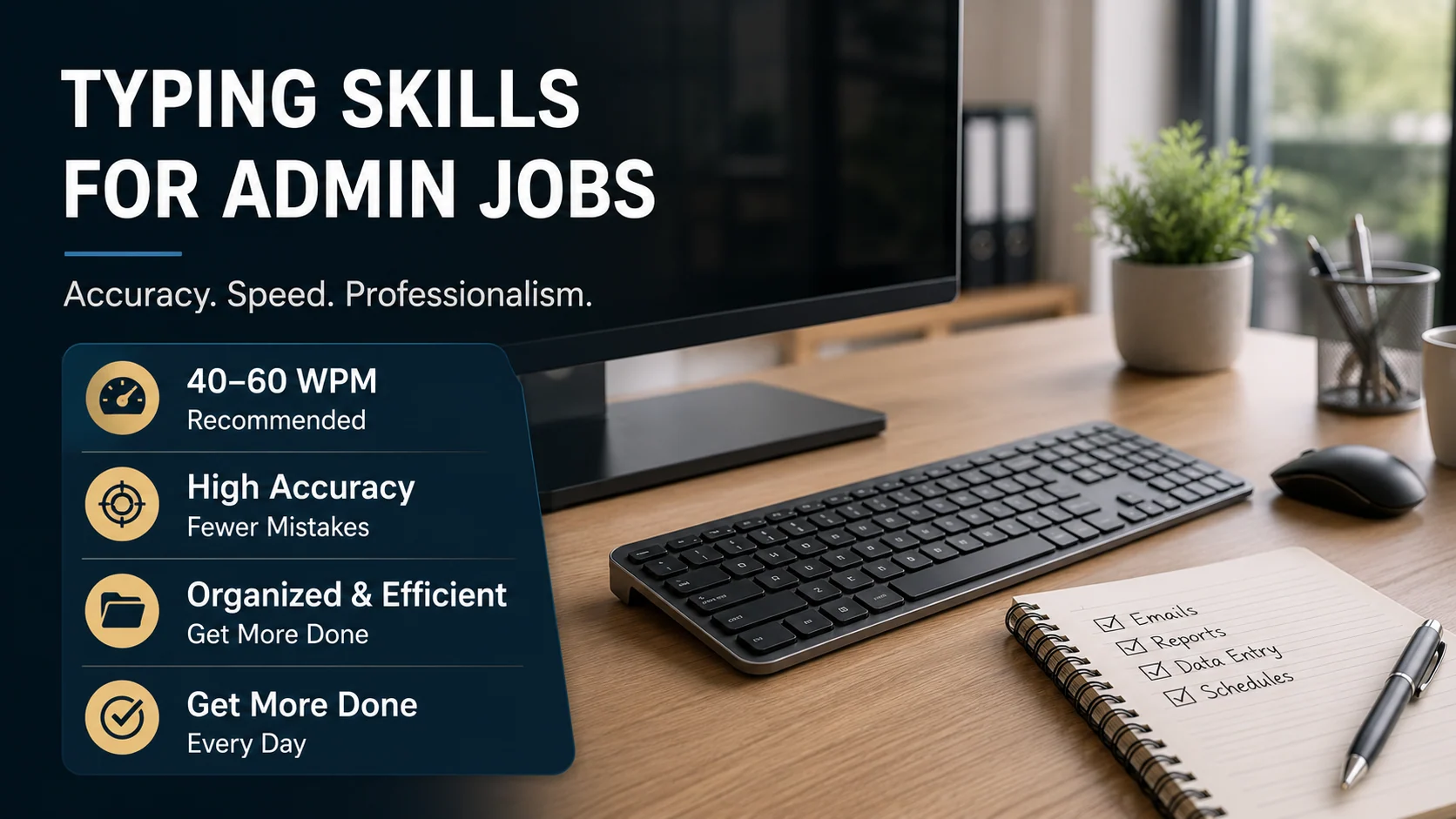
For many admin jobs, a good target is 40 to 60 WPM with 95%+ accuracy.
Why typing matters in admin roles
Admin work is often keyboard-heavy.
Common tasks include:
- answering emails
- updating spreadsheets
- writing notes
- entering customer details
- creating documents
- booking appointments
- preparing reports
- using CRM systems
- sending internal messages
- checking records
If typing feels slow, these tasks take longer. If typing is inaccurate, mistakes can create extra work.
What typing speed is useful for admin jobs?
A practical guide is:
| Typing speed | Admin usefulness |
|---|---|
| 30–40 WPM | basic admin tasks |
| 40–50 WPM | useful for many admin roles |
| 50–60 WPM | strong workplace target |
| 60+ WPM | useful for typing-heavy admin roles |
Speed is useful, but accuracy is essential.
A person typing at 50 WPM with strong accuracy may be more useful than someone typing faster with constant mistakes.
Accuracy matters in admin work
Admin typing often includes important details:
- names
- addresses
- phone numbers
- dates
- prices
- order numbers
- email addresses
- appointment times
Mistakes in these details can cause confusion.
A useful admin typing target is:
- 95%+ accuracy in practice
- careful proofreading for important details
- slower typing when numbers or names must be exact
Practise email typing
Emails are a big part of many admin roles.
Use realistic email drills:
Hi Sarah,

Thank you for your message. I will check the details and come back to you later today.

Kind regards,
Alex
This practises capital letters, punctuation, spacing, and professional formatting.
Practise admin notes
Admin notes should be clear and accurate.
Try:
Customer called at 10:30. Account details checked. Follow-up email sent with the requested information.This practises dates, times, punctuation, and workplace language.
Practise data entry accuracy
Data entry needs careful typing.
Try:
Order 48291 was received on 14/06/2026. Delivery address confirmed. Invoice total: £127.45.When practising data entry, do not rush. Numbers and dates need accuracy.
Practise proofreading
Typing skill includes checking your work.
After typing a line, read it again and check:
- names
- dates
- numbers
- punctuation
- missing words
- repeated words
- capital letters
In admin work, proofreading can be just as important as typing speed.
How to improve admin typing skills
Use a balanced routine.
Step 1: Measure your current typing
Take a one-minute typing test.
Step 2: Check consistency
Try a three-minute typing test.
Step 3: Find weak keys
Use Weak Keys Practice to find repeated mistakes.
Step 4: Practise workplace text
Use emails, notes, forms, and data-style lines.
Step 5: Review accuracy
Do not only chase WPM. Look at errors.
A 7-day admin typing routine
Day 1: Typing test
Measure WPM and accuracy.
Day 2: Email practice
Type short professional emails.
Day 3: Weak keys
Practise repeated mistakes.
Day 4: Numbers and dates
Practise invoices, times, and order numbers.
Day 5: Admin notes
Type short notes and record updates.
Day 6: Longer typing
Take a three-minute typing test.
Day 7: Review
Choose one weak area for the next week.
Should you include typing speed on your CV?
Include typing speed only if it is relevant.
For admin roles, you could write:
Typing speed: 52 WPM with strong accuracyOr:
Confident keyboard skills, including accurate data entry, email writing, and document preparation.Do not exaggerate your speed. Some employers may test it.
How Qtype Pro helps
Qtype Pro can help admin learners build useful keyboard skills.
You can use it to:
- improve typing speed
- track accuracy
- practise weak keys
- take typing tests
- build daily practice habits
- improve confidence with structured lessons
For admin work, the aim is reliable typing you can use every day.
Frequently asked questions
What typing speed do admin jobs need?
Many admin jobs are comfortable around 40 to 60 WPM with good accuracy. Typing-heavy roles may need more.
Is accuracy more important than speed in admin work?
Accuracy is extremely important because admin work often includes names, numbers, dates, and records.
What should I practise for admin typing?
Practise emails, notes, forms, numbers, dates, punctuation, and short workplace paragraphs.
Should I practise data entry separately?
Yes. Data entry uses numbers and exact details, so it is worth practising separately.
Final thought
Typing skills for admin jobs are practical skills.
Aim for steady speed, strong accuracy, comfortable punctuation, and careful attention to details. That combination is more useful than WPM alone.