When Should Children Start Learning Touch Typing?
There is no birthday when a child suddenly becomes ready to learn touch typing.
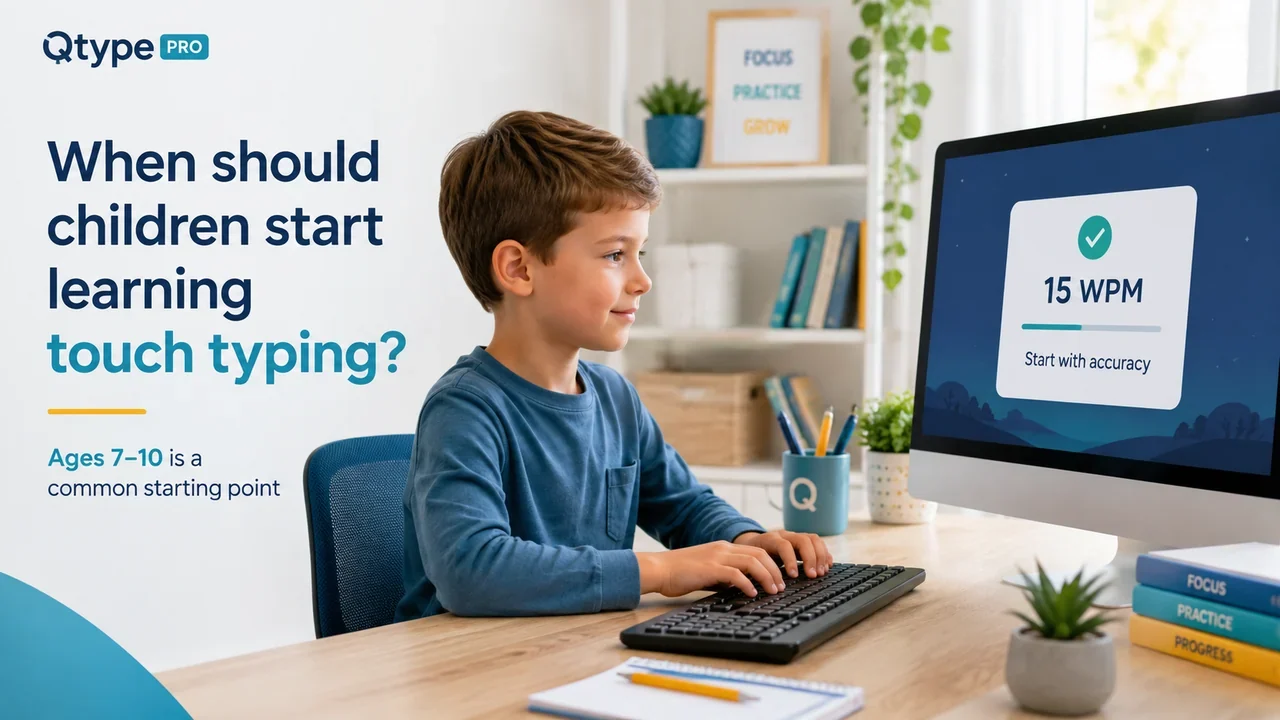
For many children, somewhere around 7 to 10 years old is a sensible time to begin structured keyboard practice. Some will be ready earlier. Others may benefit from waiting a little longer.
Age matters less than whether the child can use a physical keyboard comfortably, read simple practice words and concentrate for a short lesson without becoming frustrated.
The aim at the beginning is not speed.
It is to stop poor keyboard habits becoming the only way the child knows how to type.
Is there an official age for learning touch typing?
No.
The National Curriculum for Computing in England does not specify an age at which pupils must learn touch typing.
At Key Stage 1, children are expected to use technology purposefully to create, organise, store, manipulate and retrieve digital content. At Key Stage 2, they are expected to use a range of software and digital devices to create and work with content.
Source: Department for Education – Computing programmes of study: Key Stages 1 and 2
That leaves schools and parents some flexibility over exactly when keyboard technique is introduced.
Devon County Council's guidance on developing keyboard skills includes an introduction to touch typing aimed at children in Key Stage 1 and lower Key Stage 2. This covers roughly the same period when many children first start using keyboards regularly for schoolwork.
Source: Devon County Council – Developing keyboard skills
So there is no need to wait until secondary school before teaching proper keyboard habits.
Is 7 years old too young to learn touch typing?
Not necessarily.
A seven-year-old does not need to sit through long typing exercises or memorise the entire keyboard.
At this age, the first steps can be very simple:
- getting comfortable with a physical keyboard;
- learning where the home-row keys are;
- understanding that different fingers have different jobs;
- typing a few short words;
- beginning to use more than the two index fingers.
That is enough.
There is some evidence that keyboard fluency already matters for younger pupils. A 2025 UK government review of research into on-screen assessment discusses a study involving children aged 7–8 in which typing automaticity was related to writing performance. The wider review also notes that weak keyboard fluency can consume attention that would otherwise be available for the writing task itself.
Source: GOV.UK – Making sense of mode effects
That does not mean every seven-year-old needs formal typing training. It does show why becoming comfortable with a keyboard can be useful before computer-based writing becomes demanding.
How do you know when a child is ready?
Rather than choosing an age, look for a few practical signs.
They can read simple words comfortably
Early typing practice works better when the learner can concentrate on the keyboard rather than struggling to work out the word they are supposed to type.
The practice text does not need to be complicated. Short familiar words are enough.
They can use a keyboard without finding it physically awkward
The child's hands should be able to rest comfortably around the main letter keys.
A full-size adult desk setup can feel unnecessarily large for a young child. Adjusting the chair, desk or keyboard position can make a noticeable difference.
They are starting to type regularly
This is probably the most useful moment to introduce good habits.
Once schoolwork begins to include typed answers, online activities and simple documents, the keyboard stops being an occasional novelty.
If the child is going to type anyway, it makes sense to show them a better method before hunt-and-peck typing becomes deeply familiar.
They can concentrate for ten minutes or so
Young children do not need long typing sessions.
If they can follow a short exercise, take a correction and continue without becoming fed up, they are ready to start learning.
Why not simply let children develop their own typing style?
Children can become surprisingly quick with two fingers.
That can make it look as though technique does not matter.
The problem usually appears later.
As the amount of schoolwork increases, two-finger typing requires more movement around the keyboard. The typist also tends to look down frequently, which means attention keeps moving between the keyboard and the screen.
A child who already has several years of hunt-and-peck typing behind them can still learn touch typing. It may simply feel more frustrating because they have to replace an established habit.
Teaching the basic idea earlier avoids some of that retraining.
What should children learn first?
Do not begin with a speed target.
Start with position and movement.
A sensible early sequence is:
- Learn the basic home-row position.
- Introduce a small number of keys.
- Practise short combinations using those keys.
- Add simple words.
- Introduce more keys gradually.
- Work on accuracy before increasing speed.
The child does not need access to the whole keyboard immediately.
Learning a few keys properly is more useful than racing through the alphabet and remembering none of the finger positions.
Qtype Pro follows this kind of gradual lesson structure rather than presenting the keyboard as one large exercise.
You can see the approach on the Qtype Pro typing lessons for kids page.
Should children look at the keyboard?
At the beginning, they probably will.
That is normal.
The goal is to reduce the habit gradually rather than repeatedly telling a beginner, "Don't look down."
If a child cannot remember where a key is, forcing them to stare at the screen does not teach them its location.
Practise a small group of keys until the movement starts becoming familiar. Over time, fewer glances should be needed.
The useful change is not going from looking at the keyboard constantly to never looking at it overnight.
It might simply be:
every letter → every word → occasionally → rarely
That is progress.
When should speed become important?
Later.
A beginner who is learning which finger should press R or P does not need to worry about WPM.
Speed becomes a useful measurement once the child can type familiar letters and words without constantly searching for them.
Even then, accuracy should remain part of the score.
If a child reaches 25 WPM by rushing but makes errors throughout the exercise, slowing down can be the better choice.
Our guide Typing Accuracy vs Typing Speed: Which Matters First? explains this in more detail.
Once your child is comfortable enough to measure speed, you can compare the result with the ranges in Typing Speed by Age: What WPM Should Children and Adults Aim For?.
For children around ten, there is also a more specific guide: What Typing Speed Should a 10-Year-Old Have?.
How long should a child's typing lesson be?
Short enough that technique is still good at the end.
For a young beginner, 10 to 15 minutes is a sensible starting session.
That does not mean every practice session needs to last exactly ten minutes.
A child who is concentrating well can continue a little longer. If they are tired, irritated or beginning to hammer random keys, stopping after eight useful minutes is better than forcing another twenty.
A simple session could contain:
- a few minutes reviewing familiar keys;
- one new key or small key group;
- short word practice;
- a quick review of mistakes.
Then stop.
Regular short sessions are easier to build into a week than an occasional hour of typing.
Homeschool families can use Touch Typing for Homeschool: Simple Weekly Plan for a simple practice schedule.
What if the child is already 12, 14 or older?
Start now.
There is no point deciding that touch typing was something they should have learned three years ago.
Older children often understand instructions more quickly and may progress through the early lessons faster.
The challenge is usually different: they may already have a typing method that feels comfortable.
Their speed can temporarily fall when they stop using that familiar method and begin using proper finger placement.
Expect it.
If someone can type 40 WPM with two fingers and initially manages only 25 WPM while learning touch typing, the lower score does not mean the change was a mistake.
They are learning a new movement pattern.
Frequently asked questions
What is the best age to start touch typing?
There is no single best age, but around 7 to 10 years old is a practical time for many children to begin.
Look at readiness as well as age. A child who can read simple words, use a physical keyboard comfortably and concentrate on a short exercise can begin learning the basics.
Can a 6-year-old learn touch typing?
Some can.
Keep the exercises short and simple. At six, learning keyboard position and basic finger use is more important than speed or completing large numbers of lessons.
If the child finds the keyboard physically difficult or becomes frustrated quickly, there is no harm in waiting.
Should children learn typing at school or at home?
Either can work.
The important part is consistent technique. A few short practice sessions at home can complement the technology children already use at school.
Is it too late to learn touch typing as a teenager?
No.
Teenagers and adults can learn touch typing. An older beginner may actually understand the technique faster, although replacing years of existing typing habits can take patience.
Start before speed becomes the problem
The best time to introduce touch typing is not when a child desperately needs to type faster.
It is earlier, when they are beginning to use a keyboard regularly and their habits are still developing.
For many families, that means sometime during primary school.
Keep the first lessons short. Teach a few keys at a time. Let accuracy develop before worrying about WPM.
Once the keyboard starts feeling familiar, speed has a much better foundation to grow from.
If your child is ready to begin, explore Qtype Pro typing lessons for kids or use the free 1-minute typing test if they already type comfortably enough to record a starting result.